
Crisis room or war room setup: one shared live picture
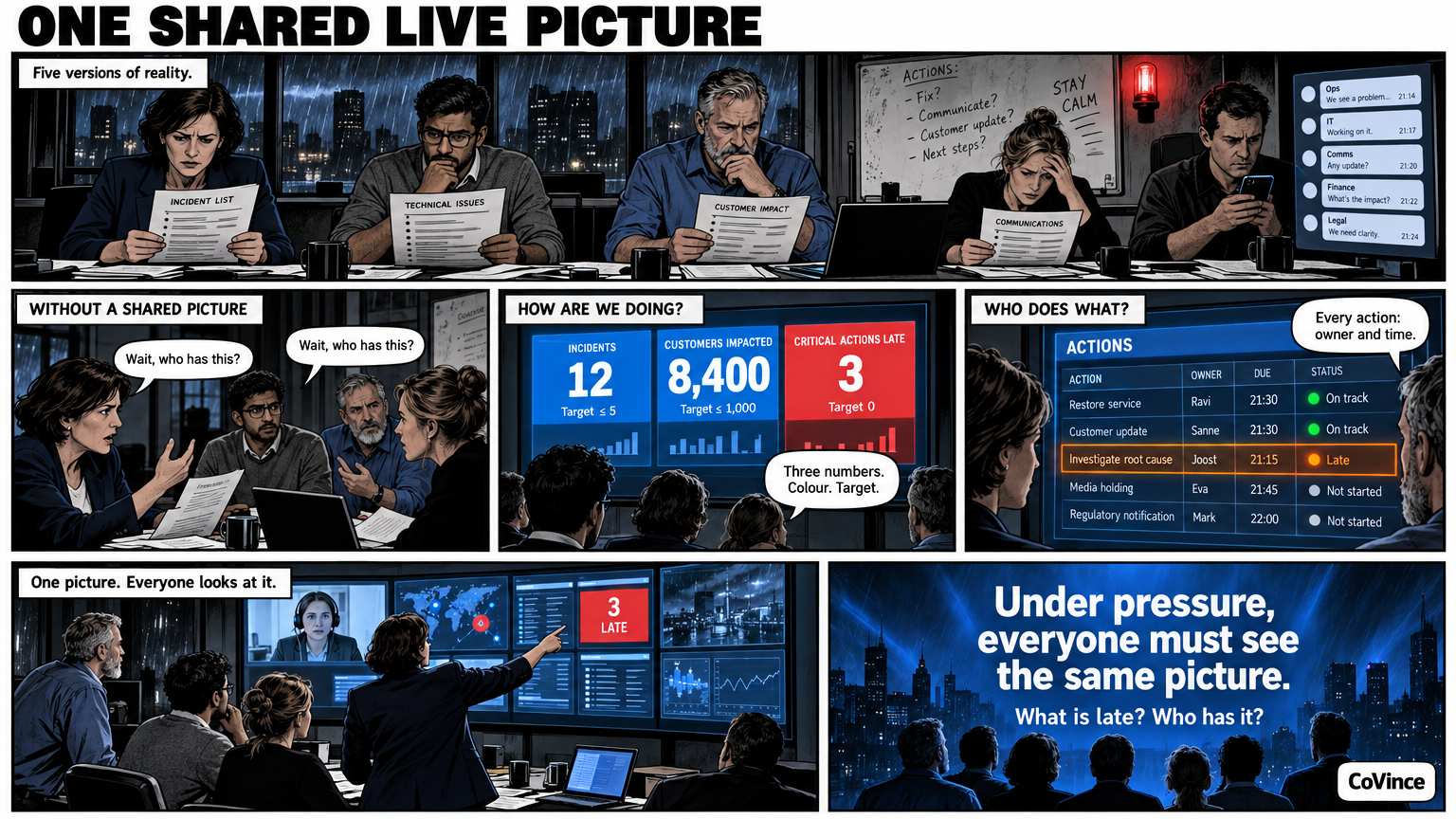
In a crisis room one thing counts: everyone looks at the same picture and knows who does what. So set up the room around a live board with the state of affairs, actions with owner and time, and remote colleagues who look along on the same wall.
This article is about the set-up, not about crisis management as a profession. Whoever has a crisis organisation has procedures, roles and exercises. What is often missing is a shared picture that stays current while the conversation goes on. An Obeya approach with live walls can help there.
What goes wrong without a shared picture
In a crisis, several versions of reality quickly arise: the list someone keeps on paper, the email that goes around, the whiteboard that is half erased, the chat group with the latest status. Each version lags behind the next. People ask the same questions again, decisions are made twice, and nobody is sure which action lies with whom.
What the live picture must show
Keep the picture small. In a crisis you read from a distance and under pressure, so the screen must answer three questions at a glance:
- How are we doing? The few numbers that describe the situation, with their target or threshold and a colour.
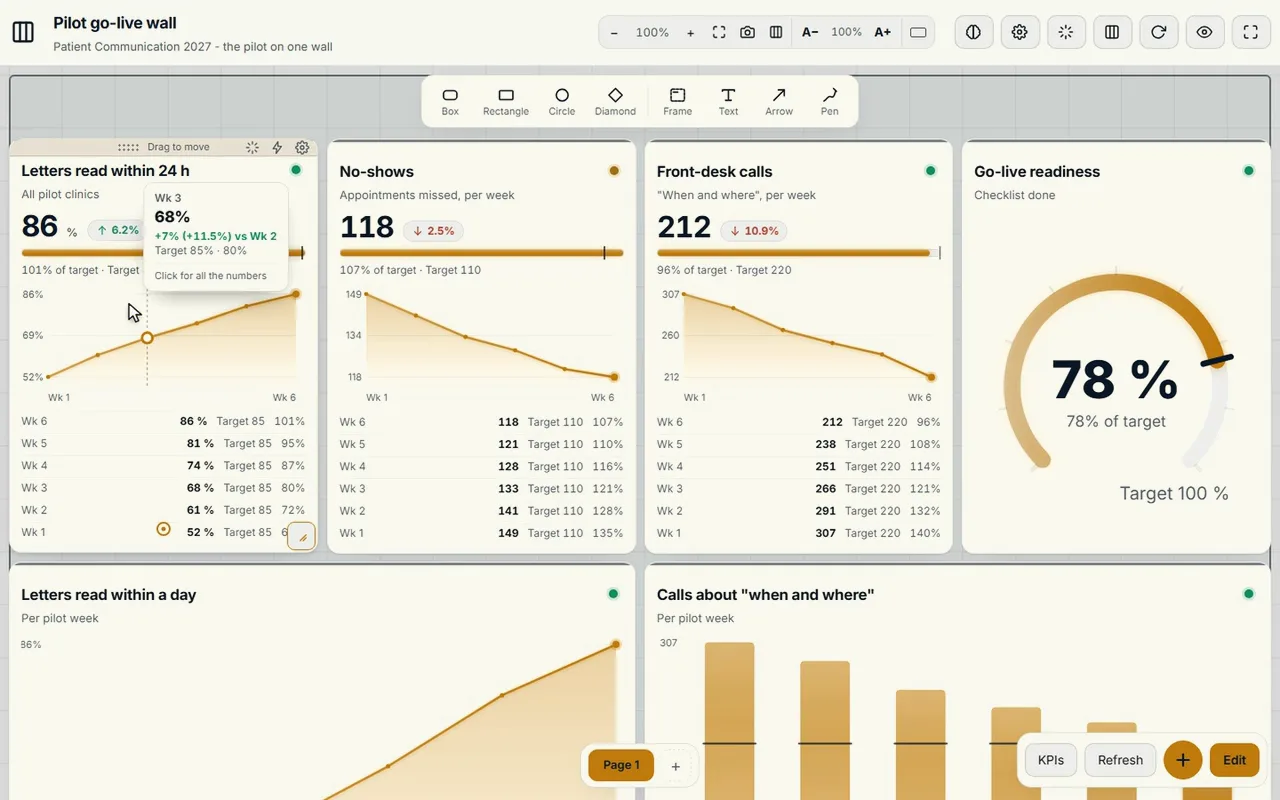
- What is late or at risk? The counters for behind, at risk and overdue actions show that directly. Tap one and you see only those tiles.
- Who does what? Every action an owner and a date, visible on the board and on the timeline until it is done.
The room itself
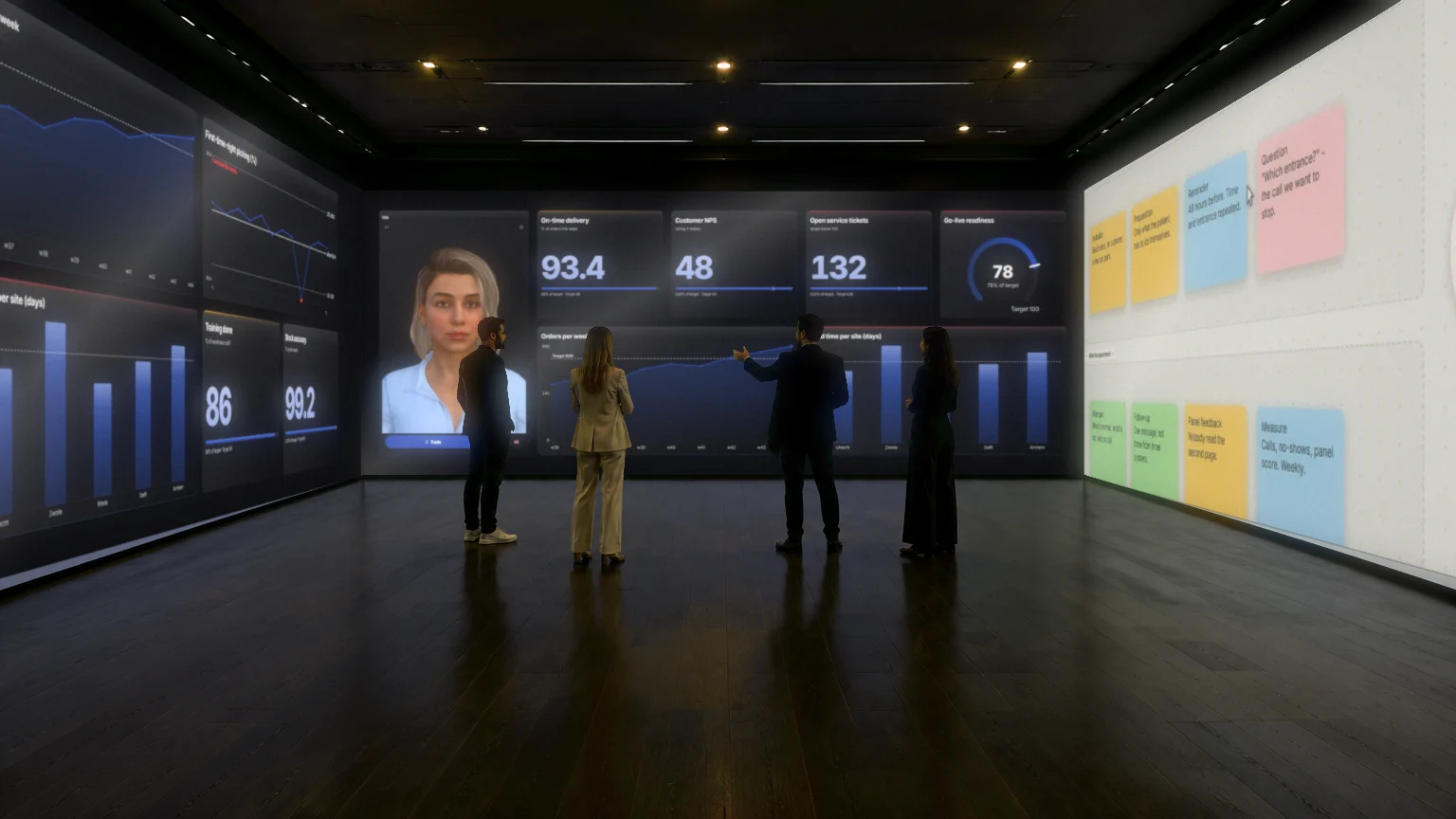
- A wall everyone sees. One big screen, three standing screens or more. A Control Room spreads over one, three or nine screens, each screen with its own name such as Goals, Actions or Risks.
- One screen per topic. Then the discussion walks screen by screen along the wall, and everyone is at the same part.
- Remote colleagues on screen. In CoVince video calling sits next to the board. The people who are not in the room are on the wall and look at the same board. Guests join via a link, without an account.
- A place to draw. On the canvas you sketch out a situation, with sticky notes, shapes and arrows, together and at the same time.
The rhythm in a crisis
A crisis room needs a short, fixed cycle. Plan, Do, Check, Act from the Obeya works well here, with a short clock:
- Check. What do we see on the wall now, and what deviates?
- Act. Which actions do we start, with an owner and a time?
- Do. Carry out, and update the board in between.
- Plan. Next round: what do we expect to change in the next half hour?
You choose the length of the cycle yourself. What matters is that the round is fixed and that decisions are recorded on the board, so that whoever joins later does not have to ask what was decided.
An AI colleague in the room
The CrewMate knows the journey and the board. You can ask it out loud what is behind or what changed in the last round, and it answers based on what is on the board. It proposes actions and you decide what goes on. So in a crisis you still decide yourself; it only helps you find faster what is already there. Use it as help, not as decision maker.
Practise before it is needed
Build the wall before the crisis and practise with it. A crisis room you use for the first time when it is serious costs the first hours in working things out. Run an exercise with real numbers and a few fictional actions, and see what the team is missing. How to adapt this to a project with an end date you can read in War room setup, and about the software behind the board in Command center without custom build. The basics of the method are in the complete guide.
After the crisis
Actions, decisions and conversations are kept in the journey, with who did what and when. That makes the review easier: you do not have to reconstruct a timeline from chat messages and emails. Do pay attention to who has access; who sees and may change which board depends on the journey and the organisation.
Frequently asked questions
What is a crisis room?
A room where a crisis team meets with one shared, current picture of the situation, the actions and the owners. The aim is that everyone looks at the same state of affairs.
What must be on the screen at a minimum?
The few numbers that describe the situation with their target, what is behind or at risk, and the actions with owner and date. Keep it small, so it is readable from a distance.
Can people take part remotely?
Yes. Video calling is part of the board itself. Remote colleagues are on the wall, look at the same board, and guests join via a link without an account.
How many screens do I need?
That depends on the group. A Control Room fits on one, three or nine screens. Start with what you have and expand when the team works with it.
Can the CrewMate make decisions?
No. It answers questions about what is on the board and makes proposals. What it fills in or proposes, it only applies when you confirm.