
Visual management
What you can see, you do not have to ask. The state of things is on the wall, at a glance, for everyone.
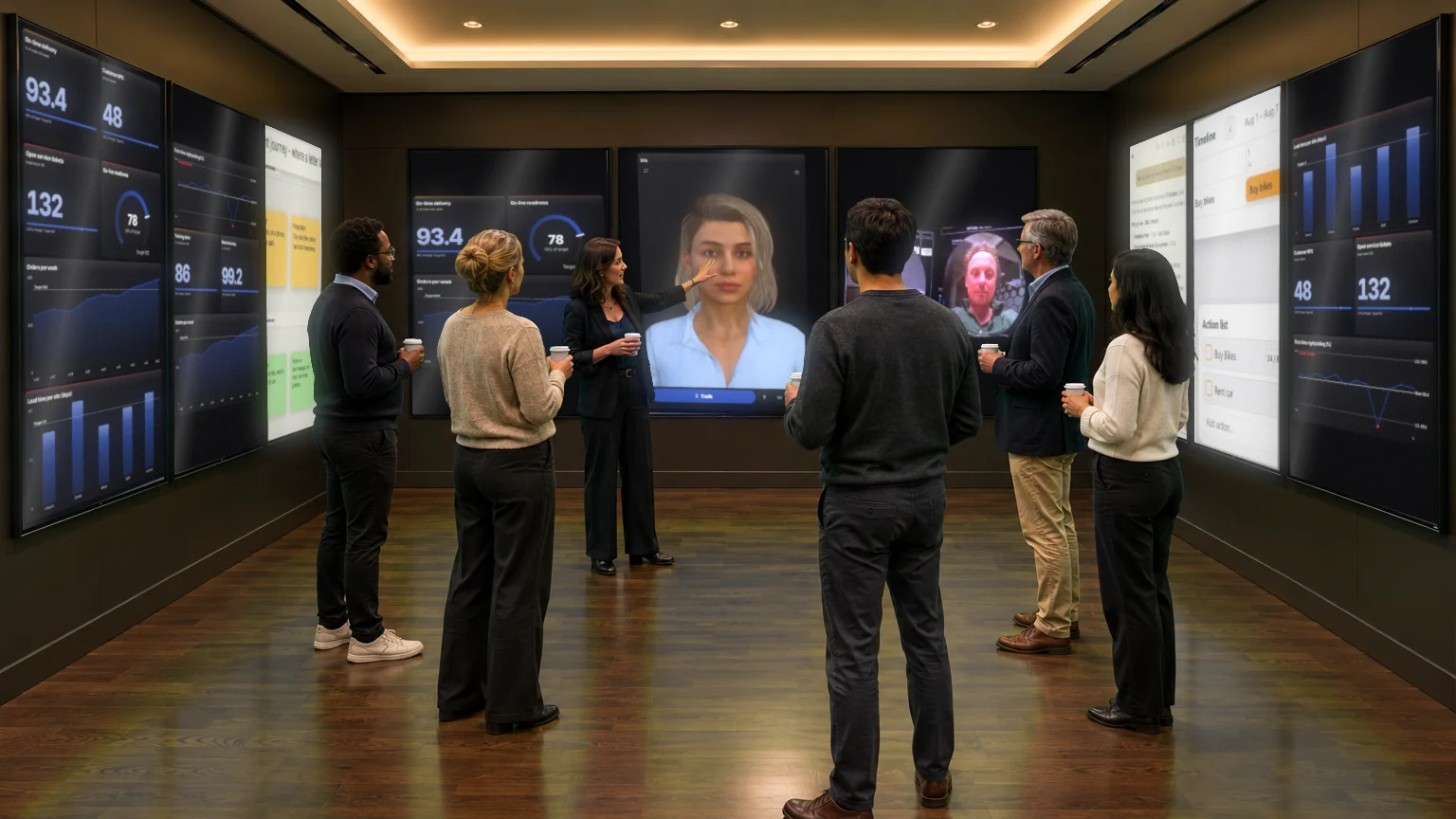
The big room. Wherever your team is.
Obeya puts goals, numbers, plans and problems on the wall together, so everyone sees the same thing and decides faster. CoVince makes that room digital: live Control Room walls, an AI CrewMate that thinks along, one shared board and video calls with whoever is not there.
Scroll and step into the roomA digital Obeya is the Obeya method - the big room where a project's goals, numbers, plans and problems hang on the wall - moved onto live screens instead of paper. The whole team, on site or remote, sees the same up-to-date numbers, discusses deviations at once, and records every action with an owner and a date.
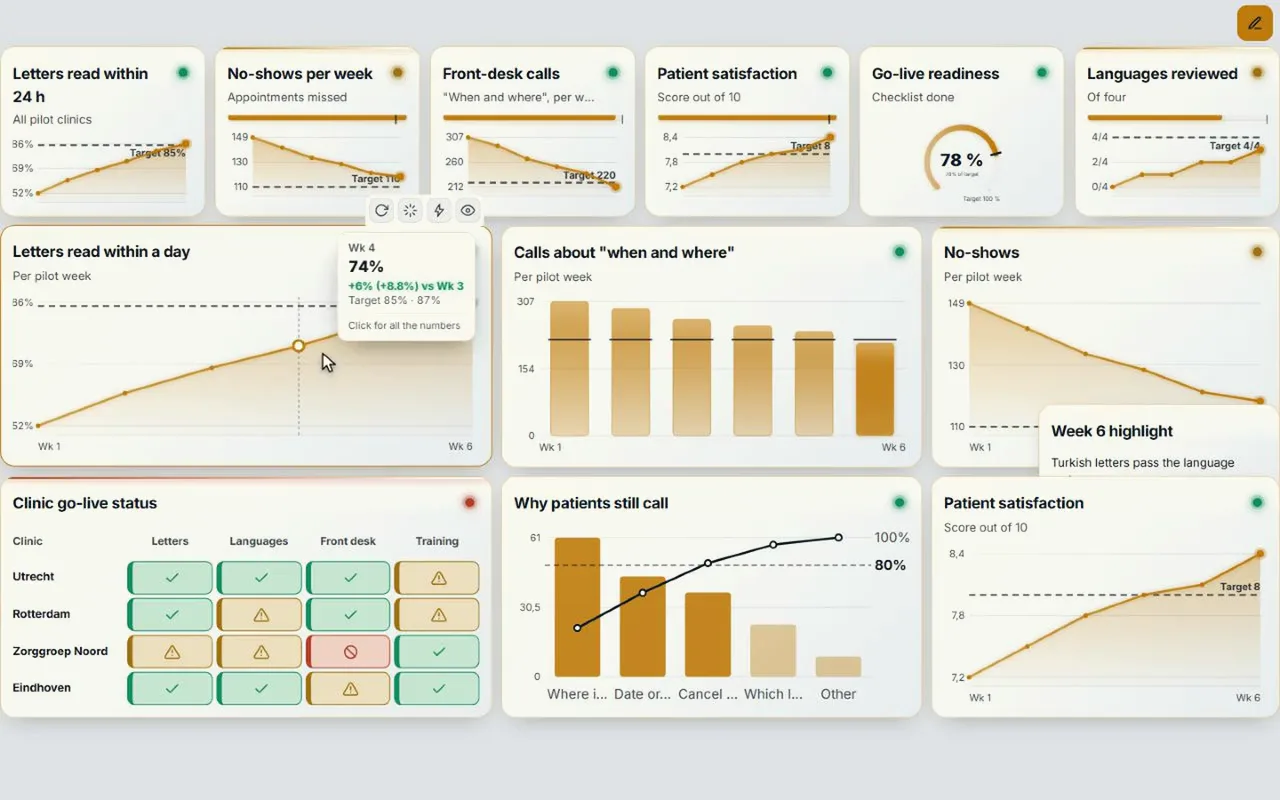
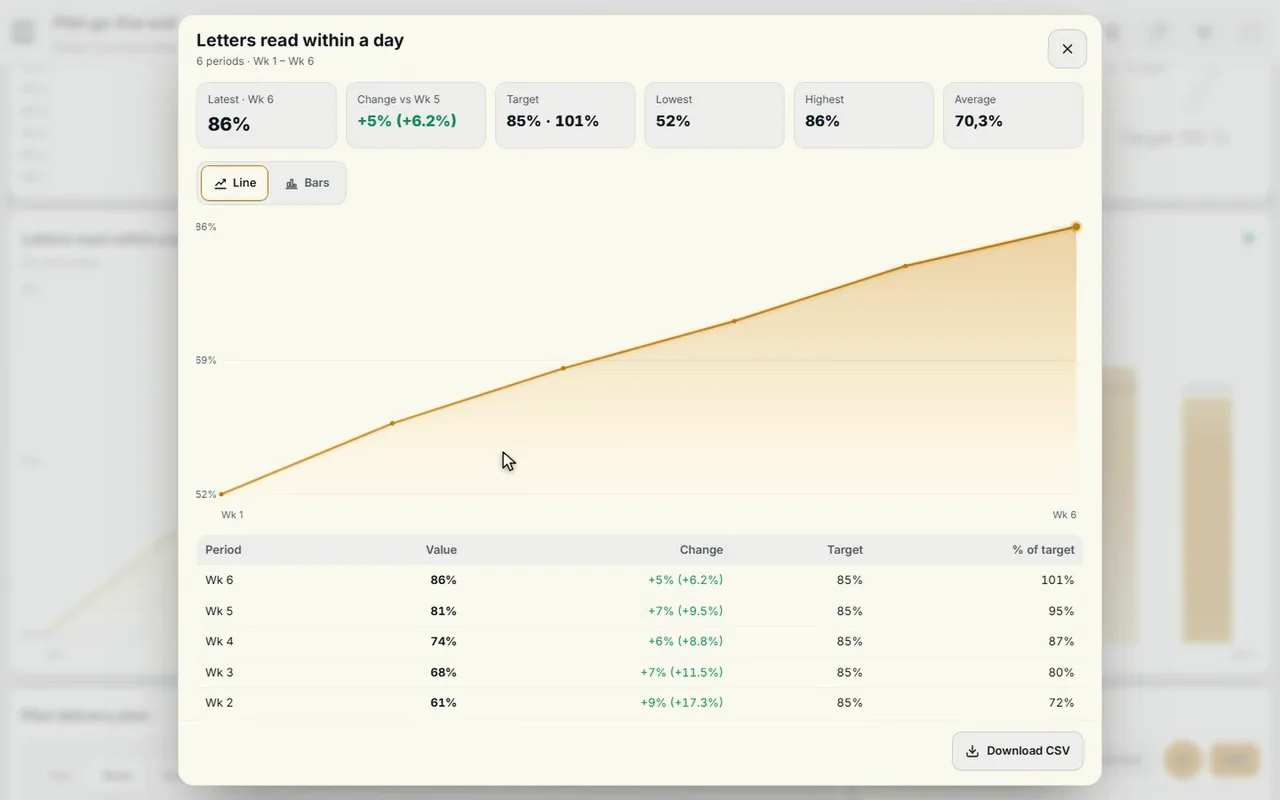
How a team uses its Obeya walls in the Syner Suite: Plan, Performance and Improvement on the screens, tap a chart and see at once which action belongs to it, remote colleagues on the wall, and a CrewMate that answers questions about the numbers.
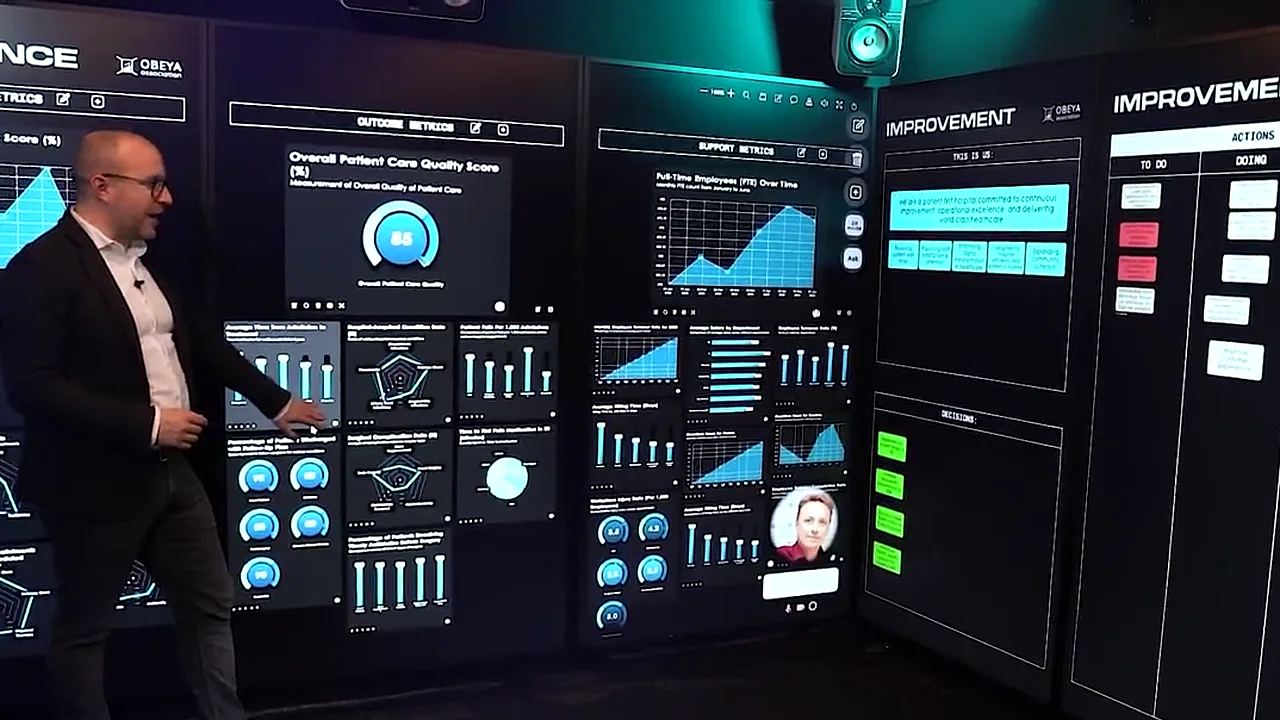
From the Syner Suite journey · spoken in English, with subtitles.
Obeya (大部屋) is Japanese for ‘big room’. Toyota used it in the 1990s to develop the first Prius: the chief engineer and the teams of every department worked in one space, with everything about the project visible on the walls. Today it is an established lean method, in manufacturing, healthcare, IT and government.
What you can see, you do not have to ask. The state of things is on the wall, at a glance, for everyone.
Every department looks at the same numbers and the same plan, not at its own version in its own folder.
A deviation stands out on the wall at once, and is discussed and solved there, not weeks later in a report.
What do we steer on, and are we on course? Every measure with a target: green, amber or red.
The phases, the milestones and who picks up what. What has to happen this week?
What is not working, and what are we doing about it? Every action an owner and a date, until it is done.
What has been decided, and what could still hit the project? So nobody takes a decision twice.
An Obeya lives on short, fixed moments in front of the wall. Each time the same questions from Deming’s PDCA cycle: what did we plan, what happened, where do we deviate, and which action do we take now?
A paper Obeya only works for whoever stands in the room, and a printed chart is out of date before the marker is dry. A digital Obeya keeps the power of the wall and solves both.
The tiles take their numbers from CoVince, from a CSV or from a connected source. The wall is always today’s.
Whoever works from home or another site sees the same board and joins the conversation.
Actions, decisions and conversations stay in the journey, with who did what and when.
Describe what you want to followWith ‘Make with AI’ a briefing becomes a proposal: pages, measures with their source, phases and roles. Nothing reaches the board until you press Build.
Put it upOn a laptop, on one big screen, or spread over three or nine screens in an immersive room.
Work on it, togetherStand-ups, actions and conversations happen at the board, and everything comes back into the team’s journey.
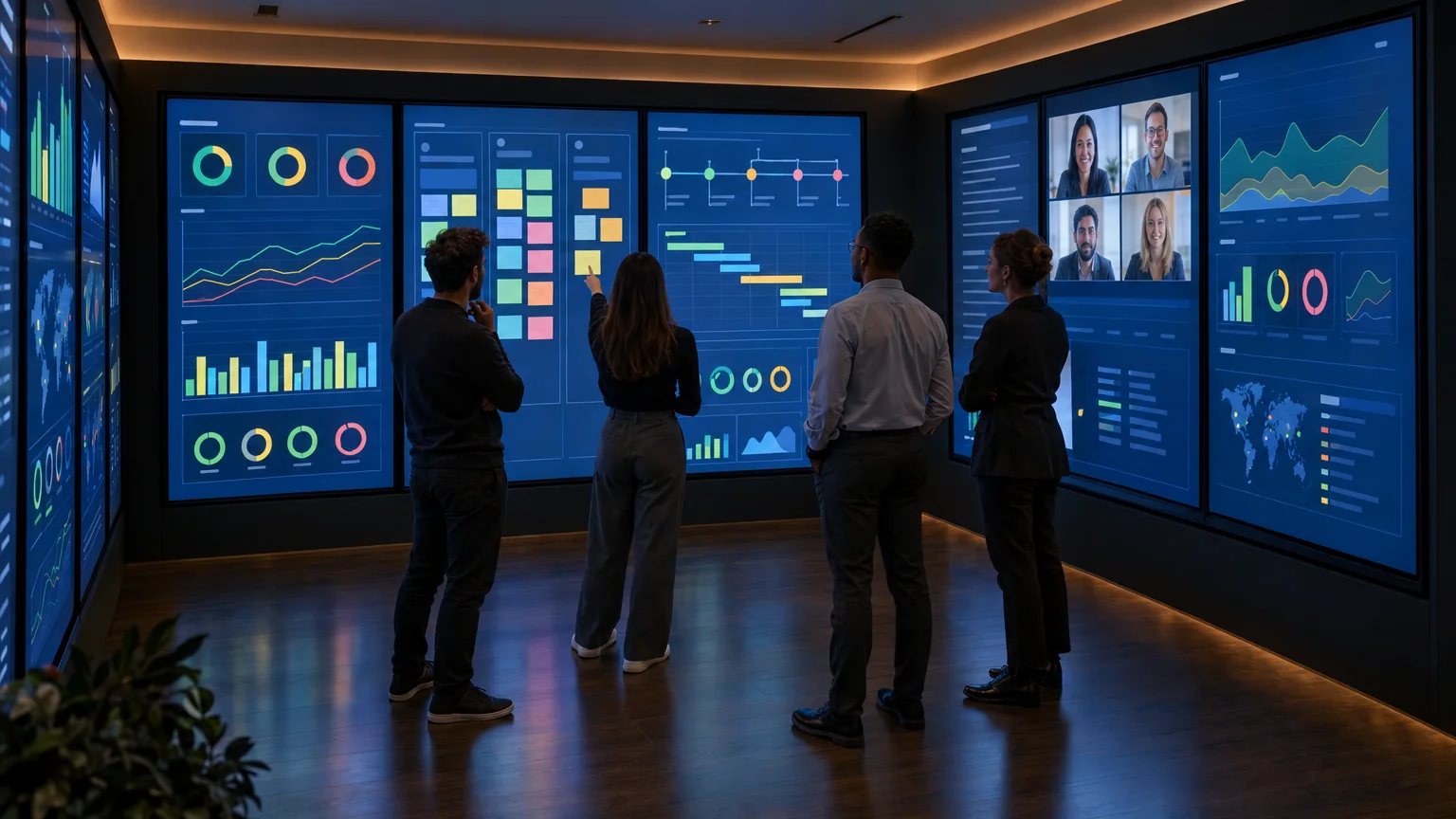
The Control Room is the heart of a digital Obeya: a board of tiles spread over one, three or nine screens. Every screen gets a name, and the board shows what needs attention.
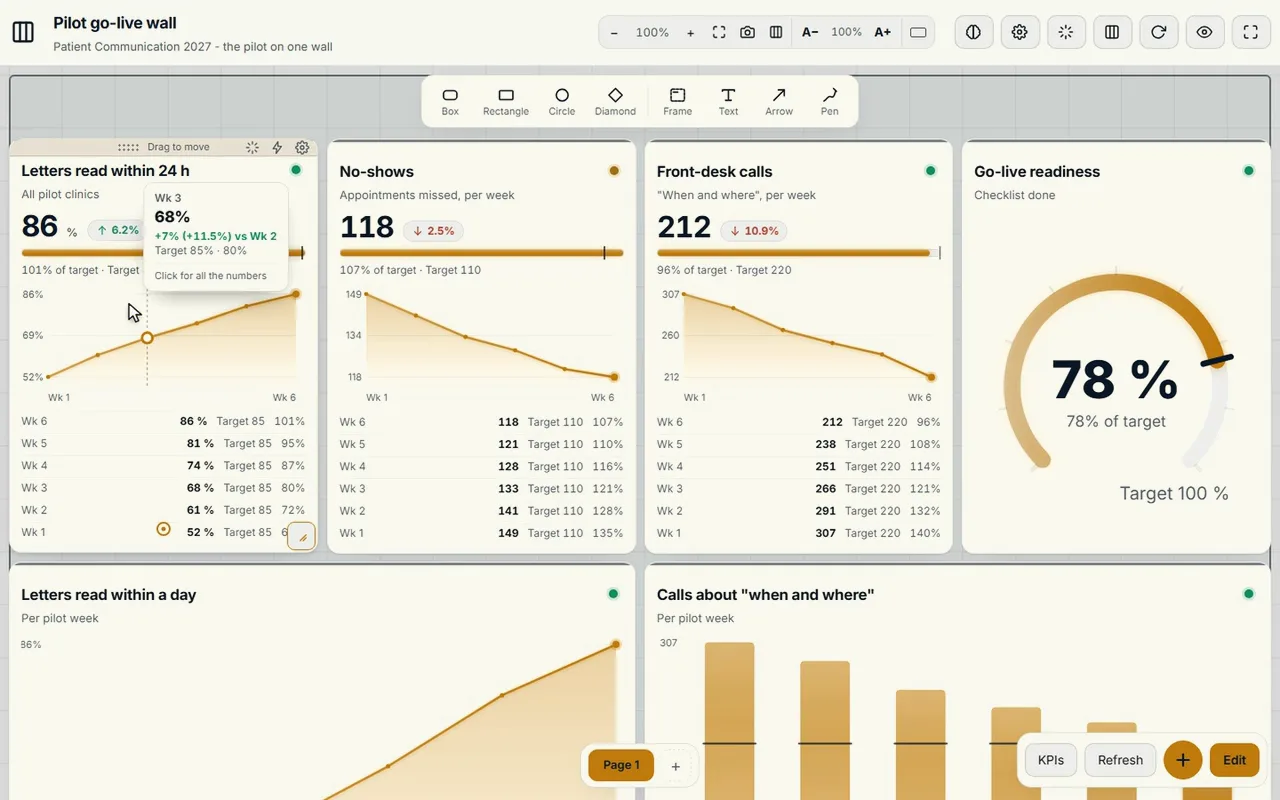
Dozens of tile typesKPIs, gauges, trends, actions, decisions, roadmap, scrum, tables, map, news, video and a CrewMate tile.
A name per screenGoals, Progress, Actions, Risks: every screen its own wall, with what needs attention on that screen.
At a glanceHow many numbers are behind, at risk or on track, and how many actions are late. Tap and you see only those tiles.
Walk the screensThe stand-up goes screen by screen, so the whole team is at the same part of the wall.
Play on the wallOn three or nine screens Play opens on the overview of the whole wall; zooming into one screen is up to you.
Present, draw and sharePresent the board, draw on it during the conversation, and open it in a video call: everyone sees the same updates.
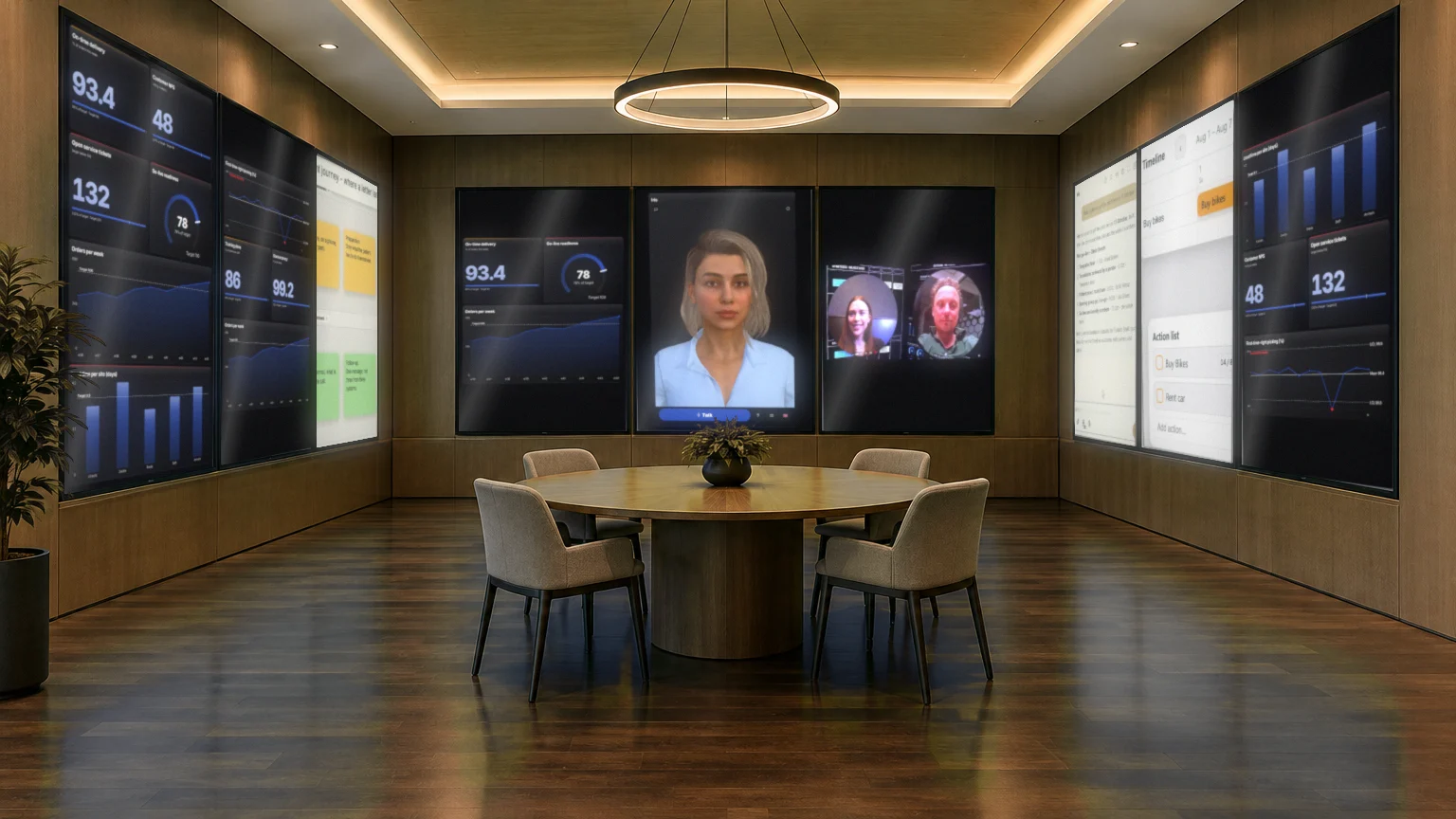
The same Control Room fits any room. Choose the set-up that suits your team and your rhythm; the board spreads over the screens or the walls.
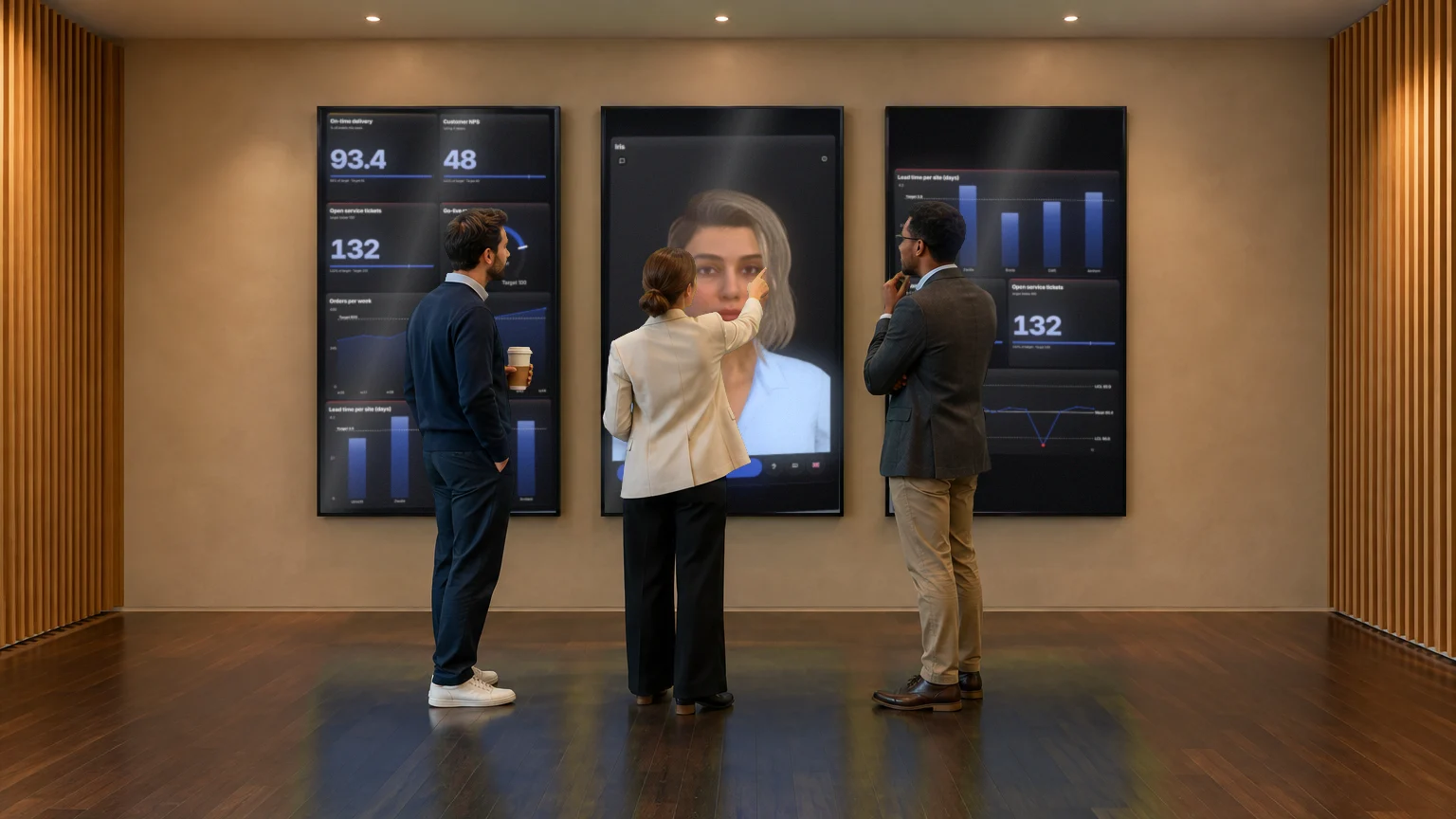
Three portrait screens side by side: goals and KPIs on the left, the CrewMate in the middle, what needs attention on the right. Enough for a fifteen-minute stand-up with a small team, in an ordinary meeting room.
Suitssmall teams, one department, a first Obeya.
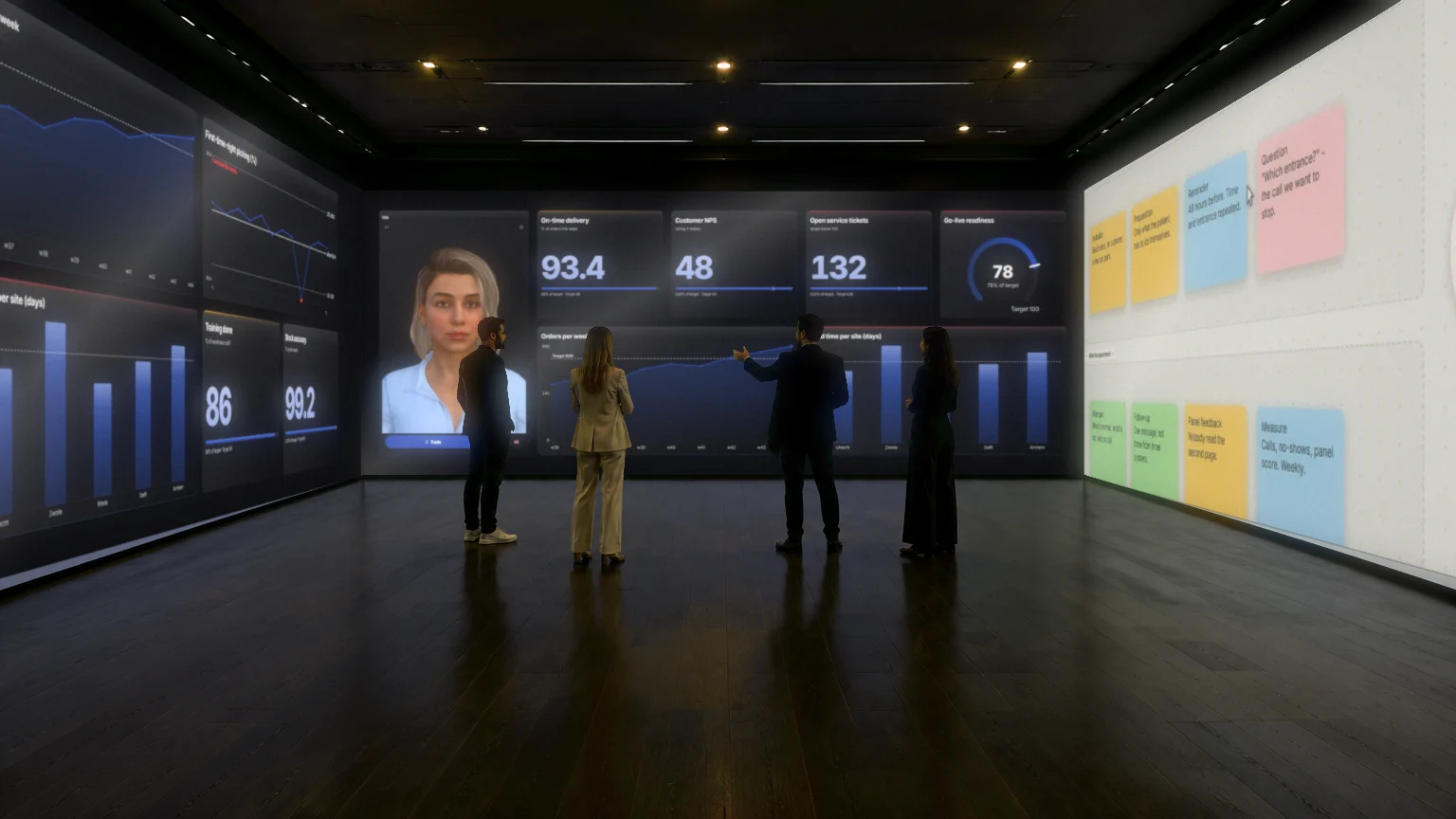
Nine portrait screens in a U, three per wall, like the 86-inch screens in the Syner Suite. Every wall a theme: goals and numbers, plan and actions, problems and remote colleagues. The team walks the walls.
Suitsprogrammes and projects with several teams, the weekly Obeya session.
Every wall is one seamless LED picture. Charts, the canvas and the CrewMate become so big that you stand right inside them: for large sessions, presentations and moments when everyone has to see the same thing.
Suitslarge groups, steering groups, presentations and demos.
Impressions: AI pictures of the room, with real CoVince screenshots on the screens.
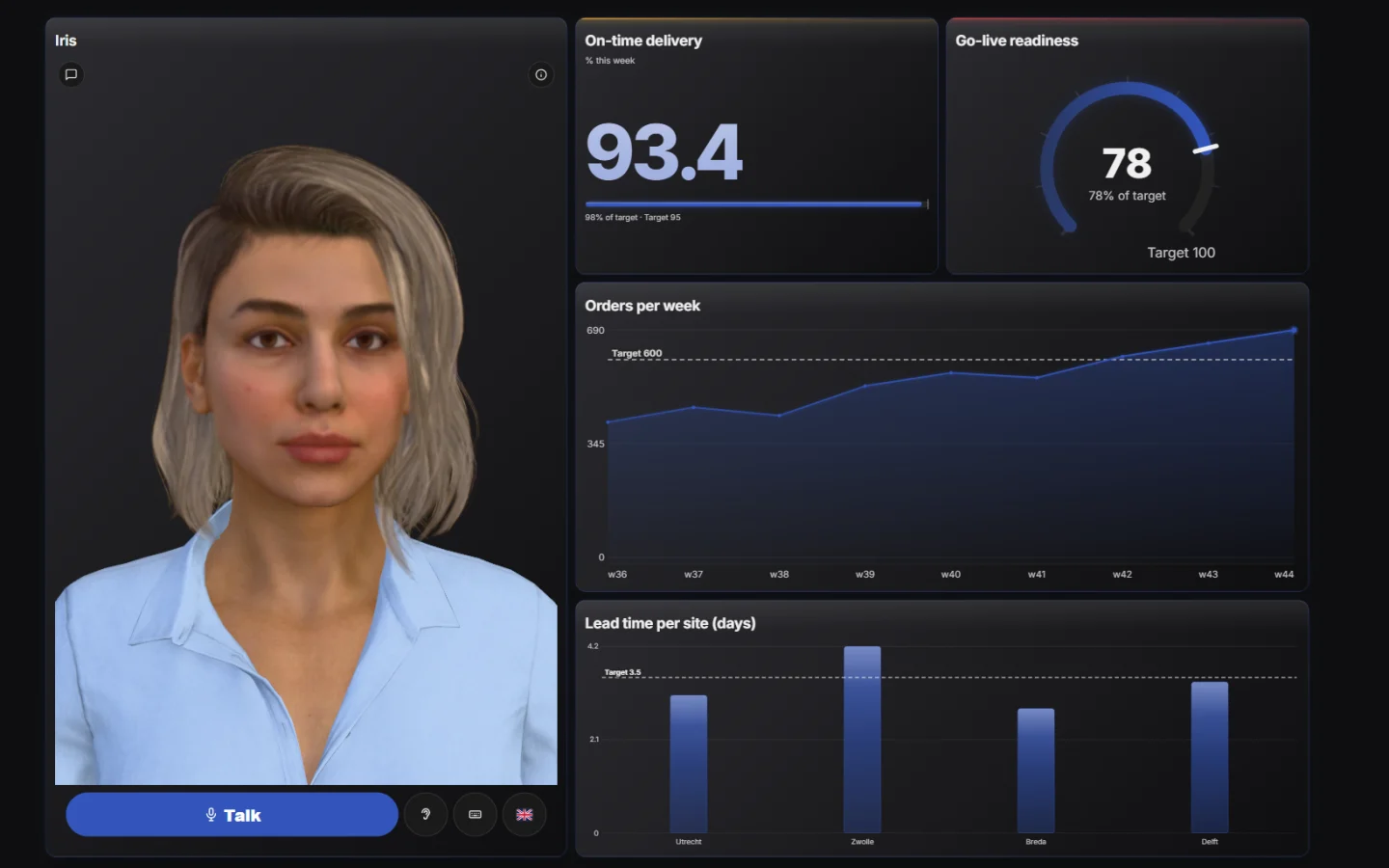
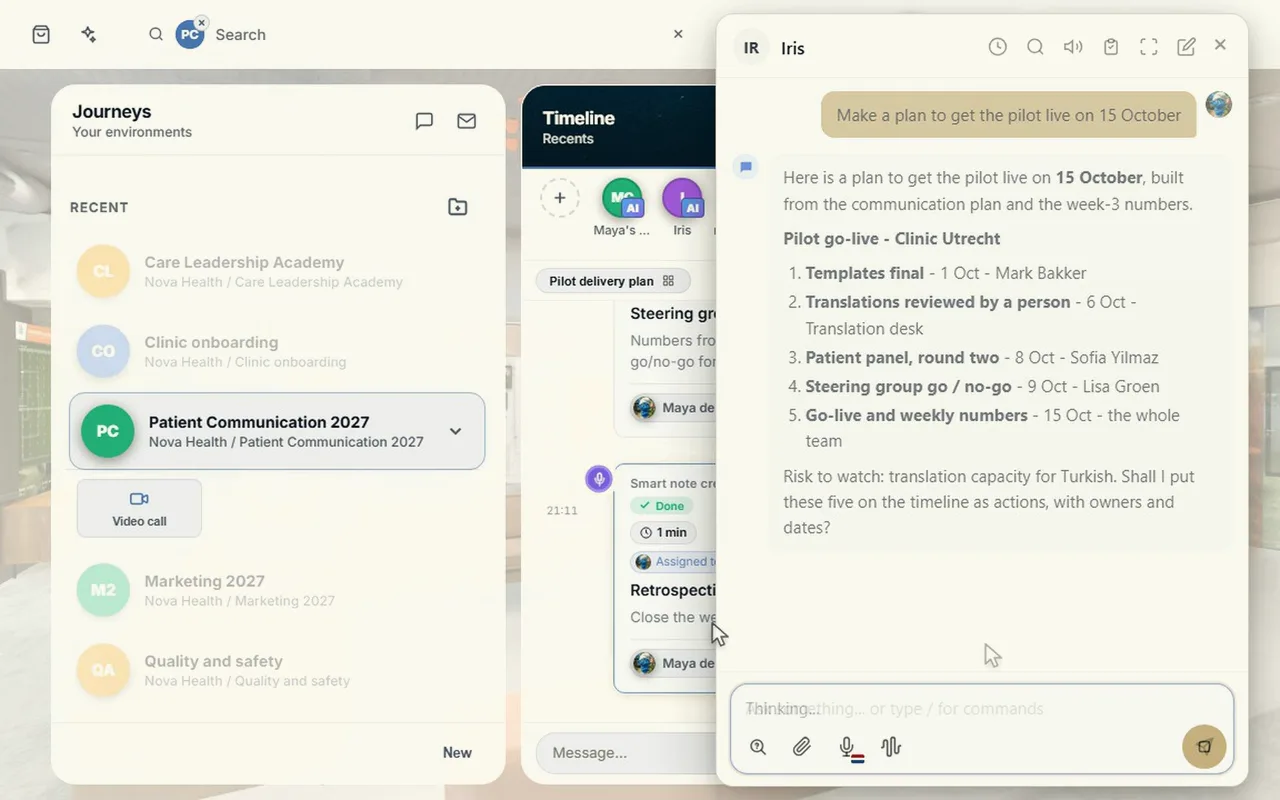
A CrewMate is an AI colleague that knows the journey and the board. In the Obeya you simply talk to it, out loud too. It proposes; you decide what goes on the wall.
Ask the boardThe CrewMate tile reads what is on the board and answers your questions about it, also about the news on the wall.
Charts from one sentence‘Intake per month against the target’ becomes a chart, using only columns that really are in your data.
Actions with an owner and a dateIt makes a plan, puts tasks on the task tile and the actions on the timeline, and fills in manual numbers when you press Apply.
Hands freeSwitch the conversation on and talk: the CrewMate hears when you are done, answers out loud and listens again.
What comes up in the stand-up you work out on a board, in a document or a spreadsheet, in the same journey.
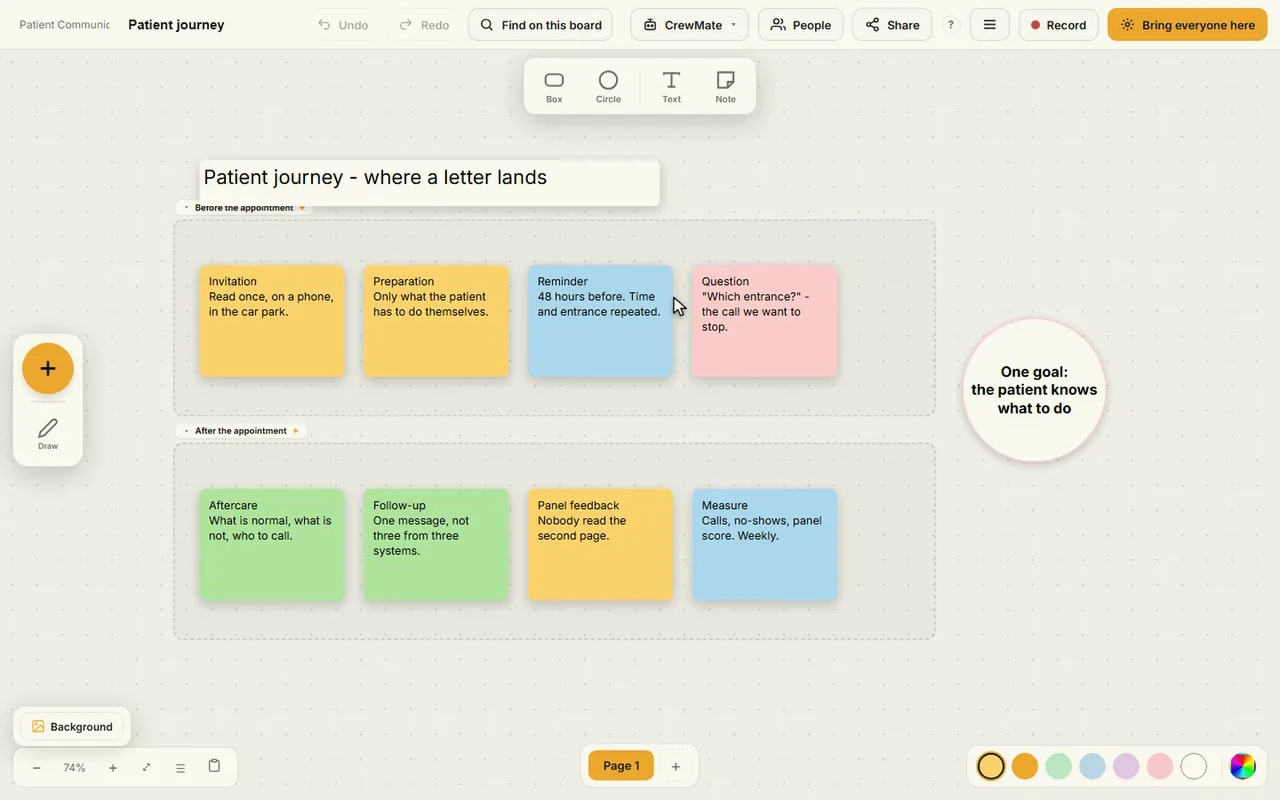
SmartNote post-its, shapes, arrows and charts on a board without edges: make a problem analysis or an A3 here, together and at the same time.
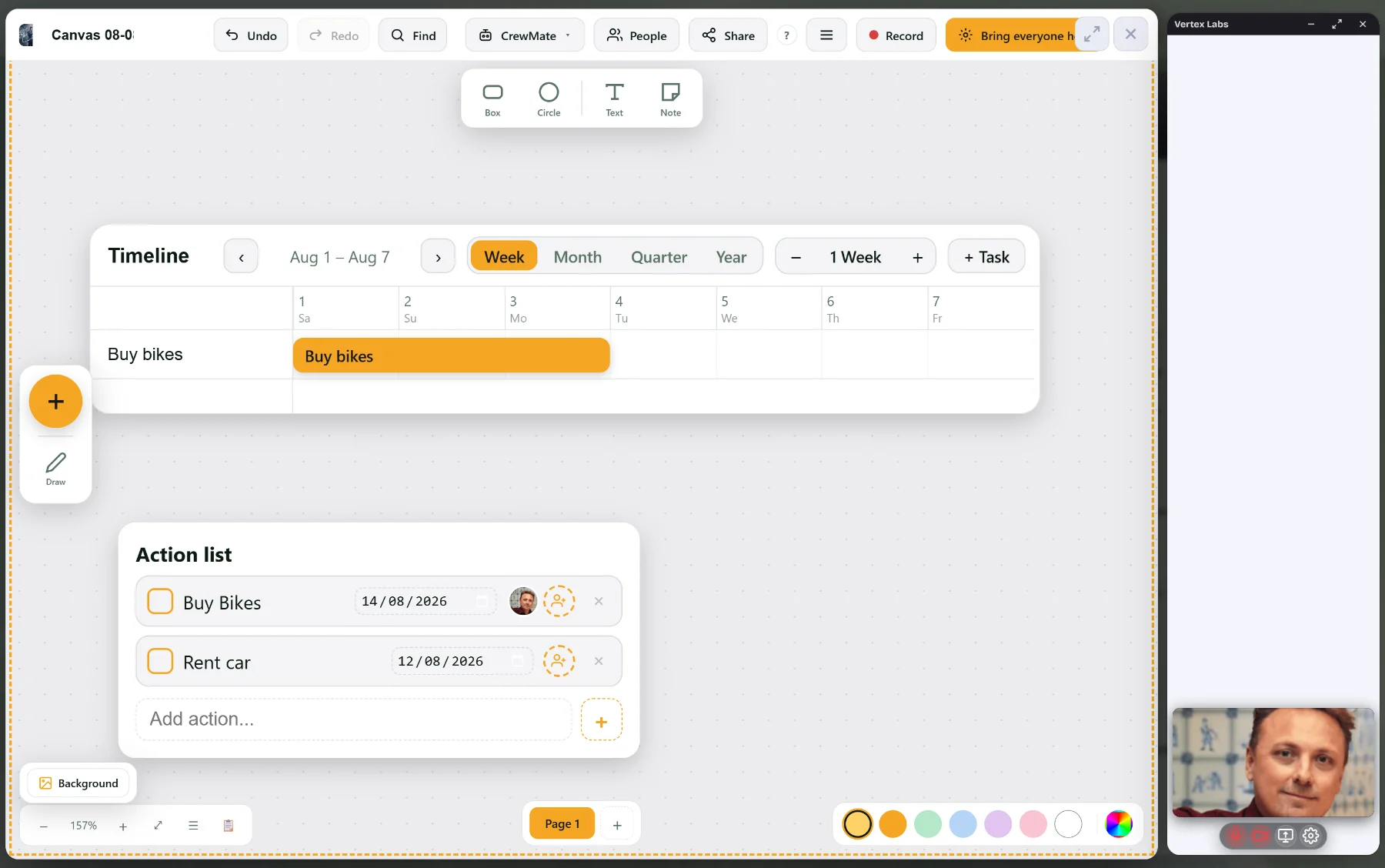
Every action an owner and a date, visible on the board and on the journey’s timeline, until it is done.
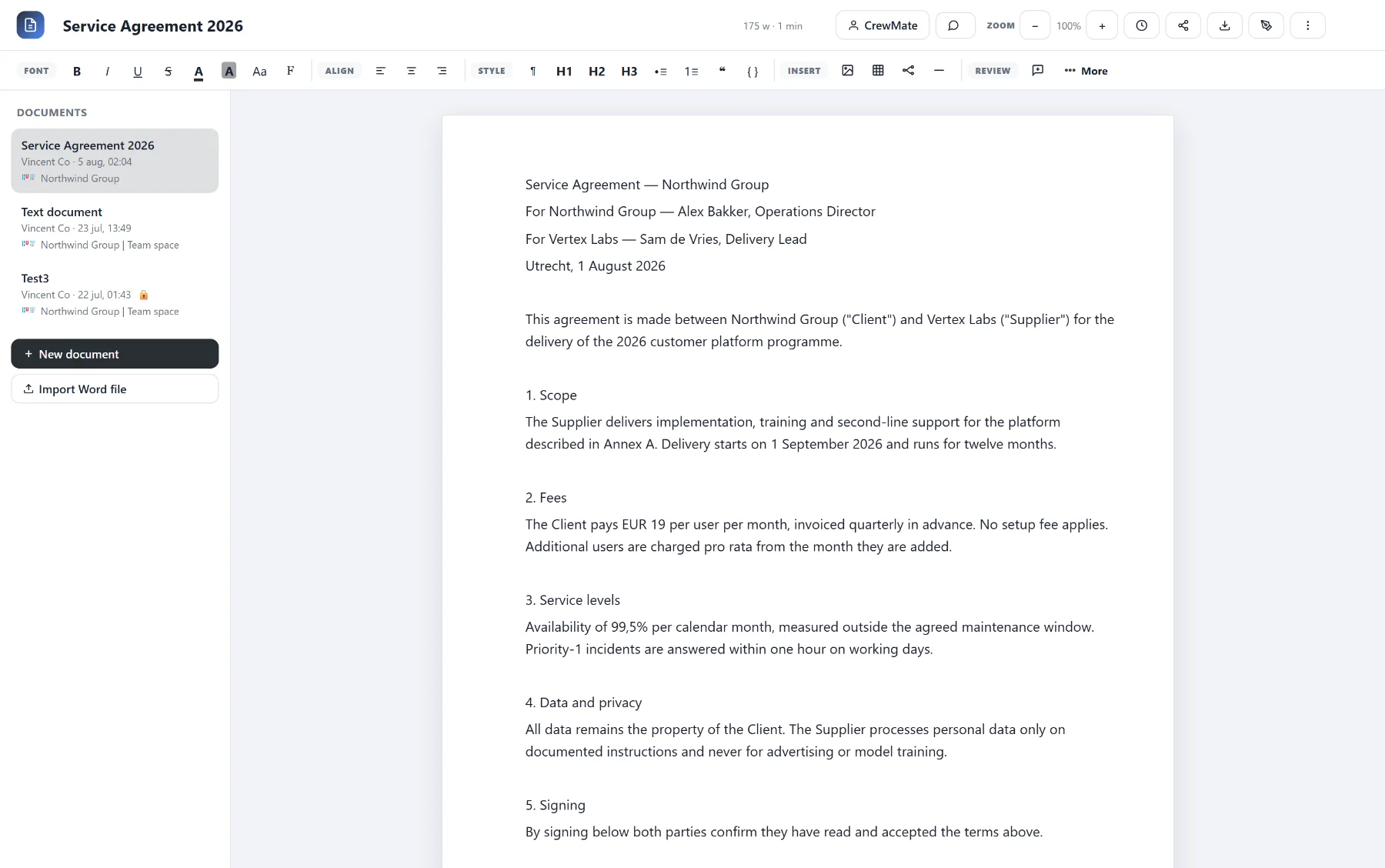
Documents and spreadsheets you edit together, next to the board, with the CrewMate at hand.
Video calling is part of CoVince itself, next to the board. No separate program, no second screen with a different story.
Open call via a linkPublic, journey members only, or whoever you invite, with a waiting room. Guests join without an account.
The board in the callShow your canvas or Control Room in the call; whatever changes, everyone sees at once.
Raise a hand and chatEveryone gets their turn, including whoever joins remotely.
Record, with transcript and summaryRecord the call and, if you want, have a transcript and a summary made of it.
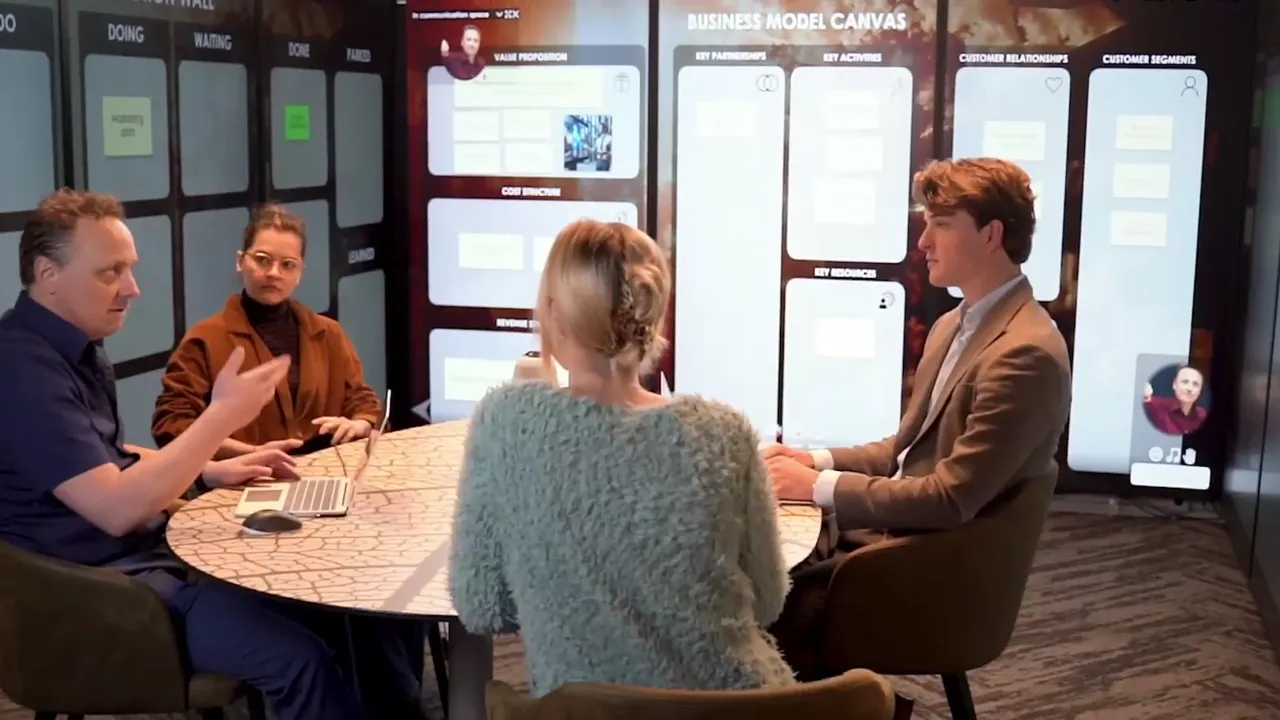
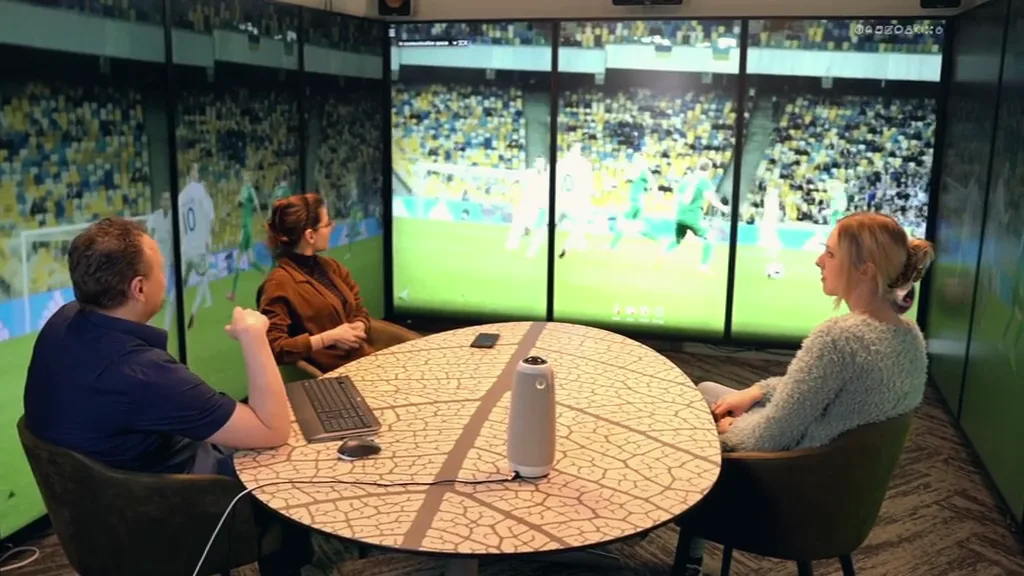
Want the wall physically around you too? The Syner Suite is CoVince’s immersive room: nine portrait 86-inch screens in a U, three per wall, with the Control Room, the canvas and the call on them. Run it with a tap on the wall or with your voice.
This is what a decision looks like on the wall: slide, and see the effect at once.
People per m² at the busiest spot
Target
Spots above 4 per m²
Target
Estimate
Target
Seconds to the exit
Target
People on the square
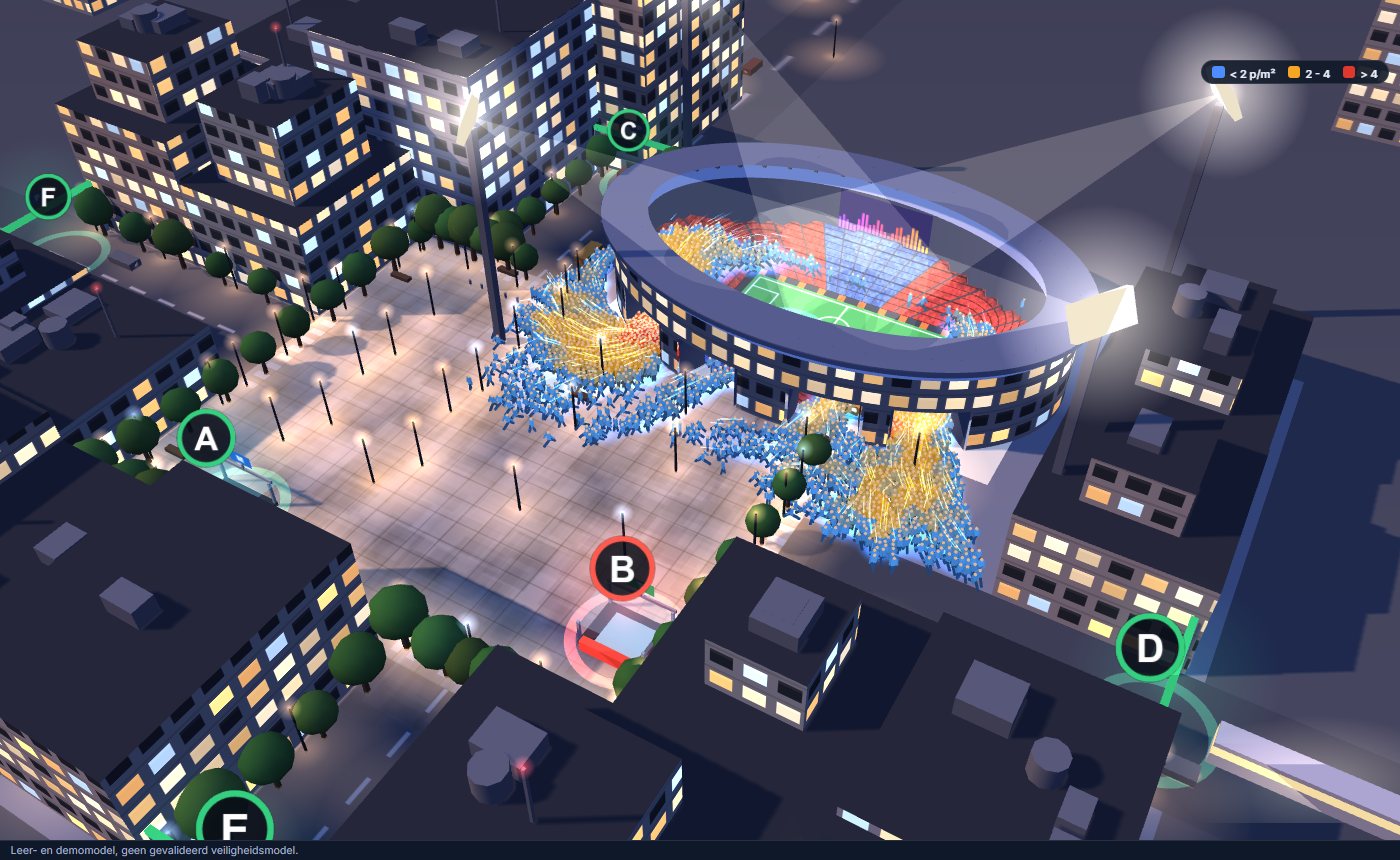
Drag to rotate · Click an exit to close it · Slide a decision
Slide and see the effect
Exits
Which decision helped?
Example: an embed tile with a simulation, linked live
Teaching and demo model, not a validated safety model.
Guides, how-tos and examples: from the five walls and the stand-up to the digital and hybrid Obeya. The articles are in English.
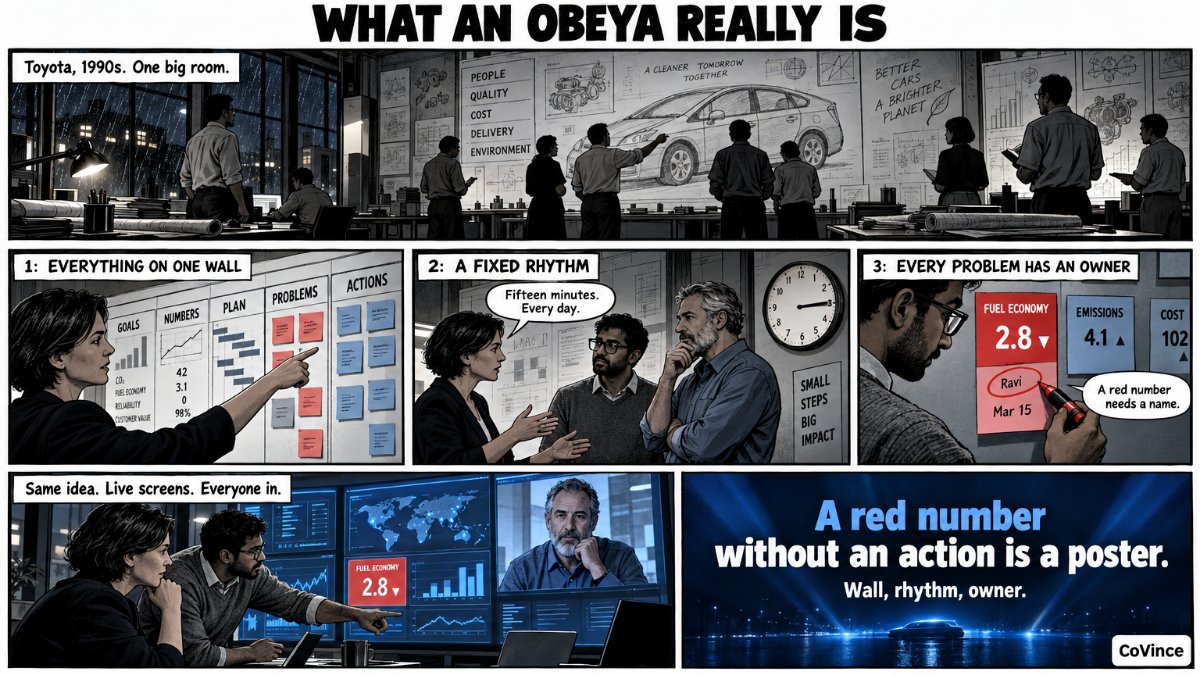 ObeyaWhat is Obeya? The complete guideWhat it is, how it works and how to start, from Toyota to the digital room.
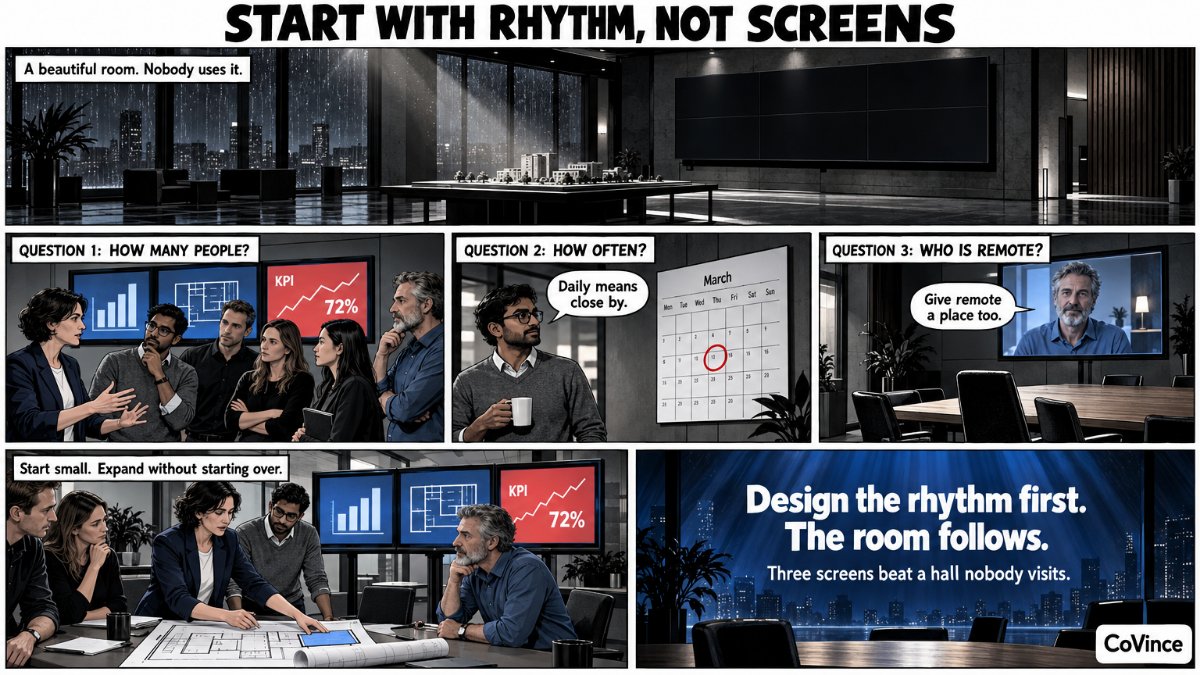 ObeyaSetting up an Obeya roomWalls, screens and layout: from an ordinary meeting room to three walls.
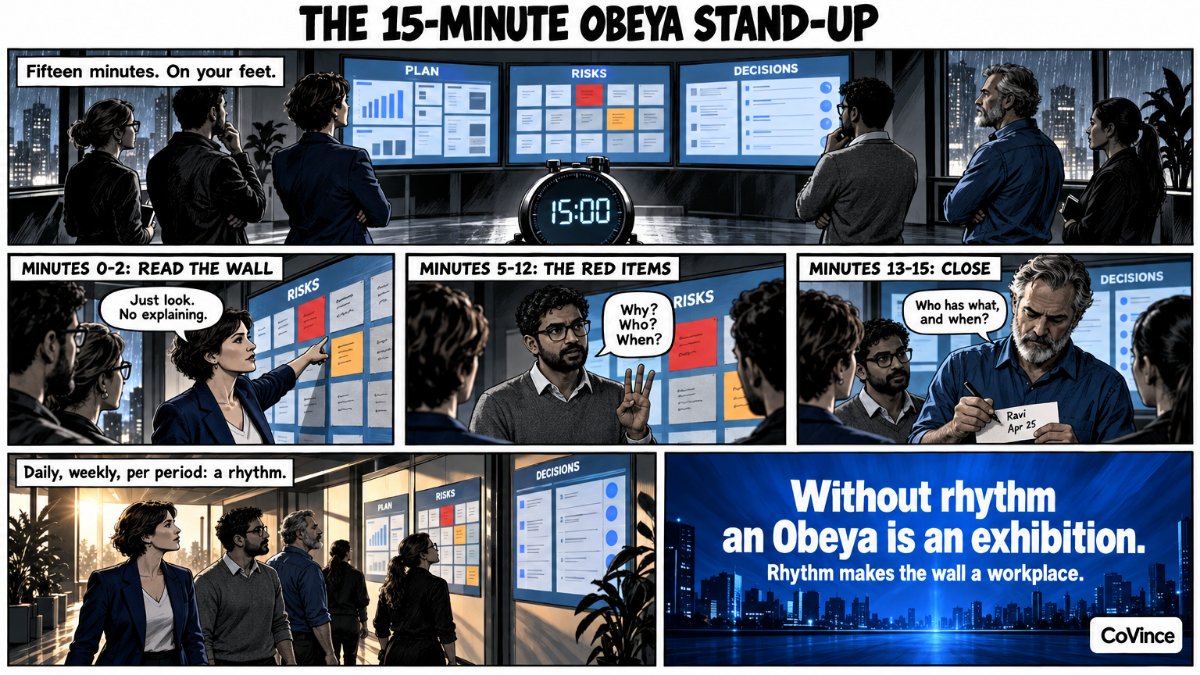 ObeyaObeya stand-up: agenda and rhythmFifteen minutes at the wall: who says what, and what you do daily, weekly and per period.
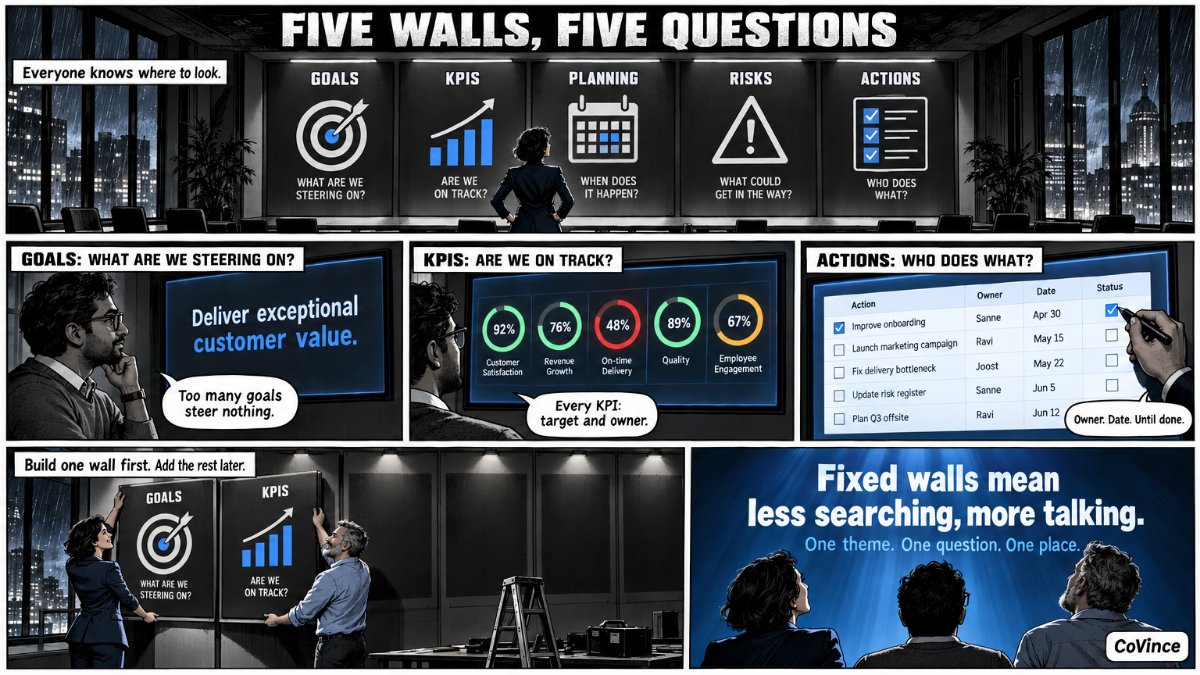 ObeyaThe five Obeya wallsGoals, KPIs, plan, problems and actions: what belongs where.
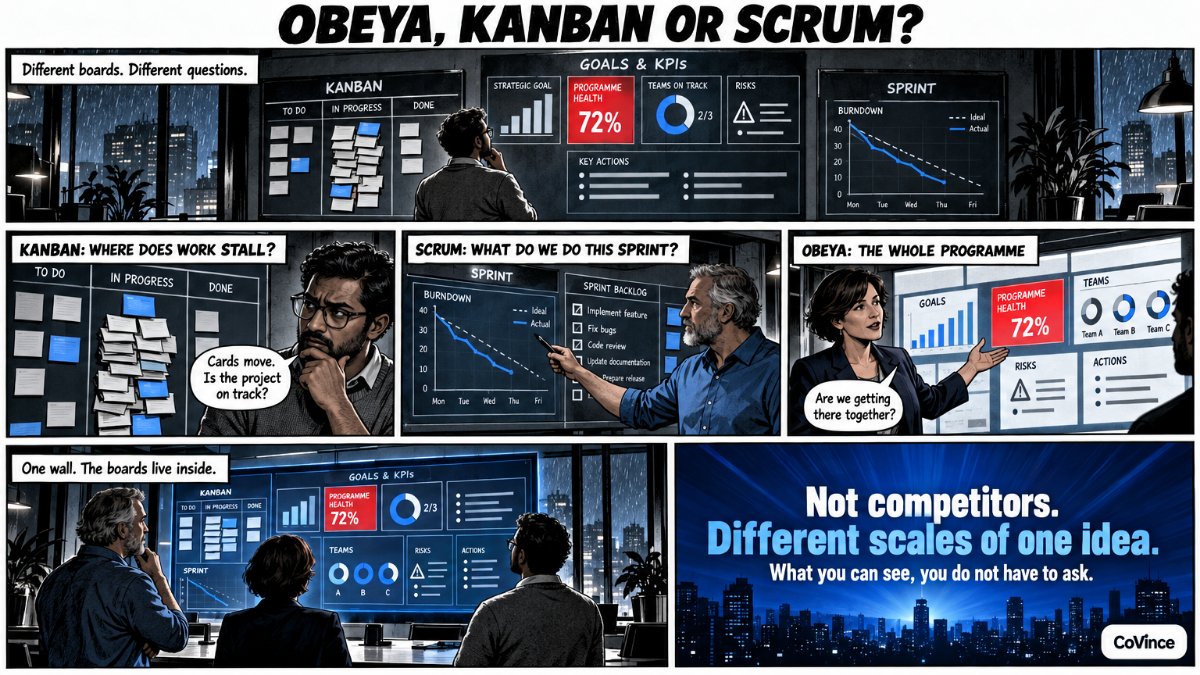 ObeyaObeya, Kanban or Scrum board?The difference, and why you can run it all on one wall.
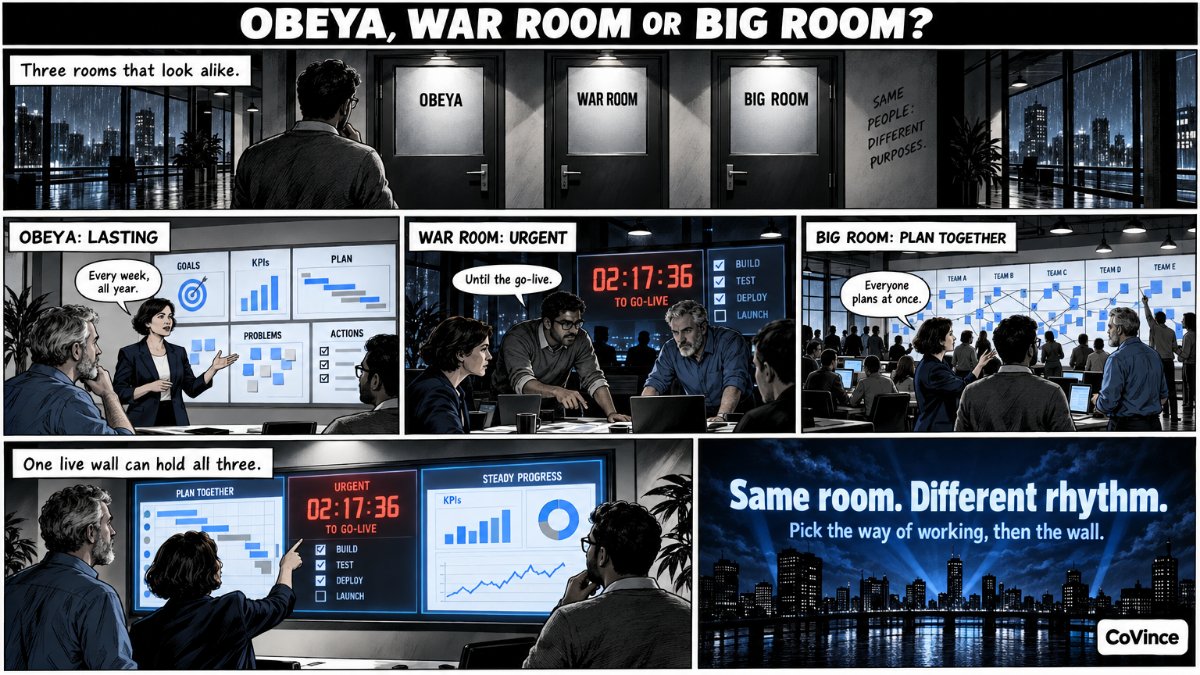 ObeyaObeya vs war room vs big room planning: the differenceThe difference, when to use which and how to put them on one live wall.
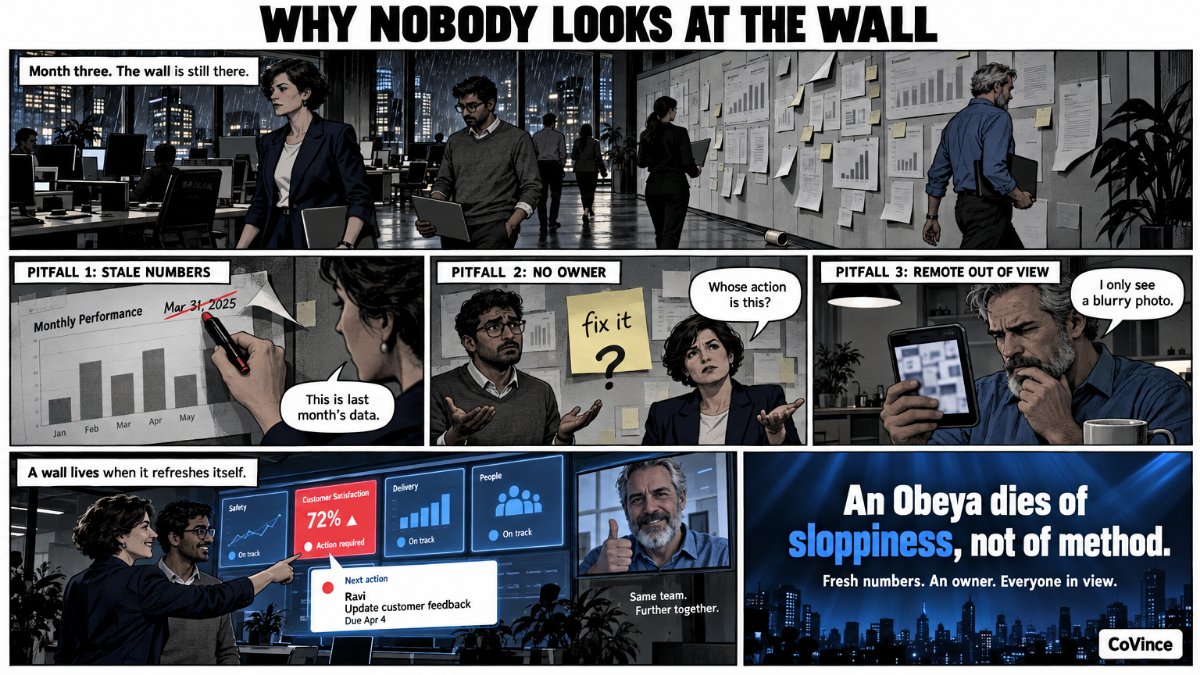 ObeyaWhy nobody looks at the wall after three monthsOutdated prints, actions without an owner and remote colleagues who stay out of view.
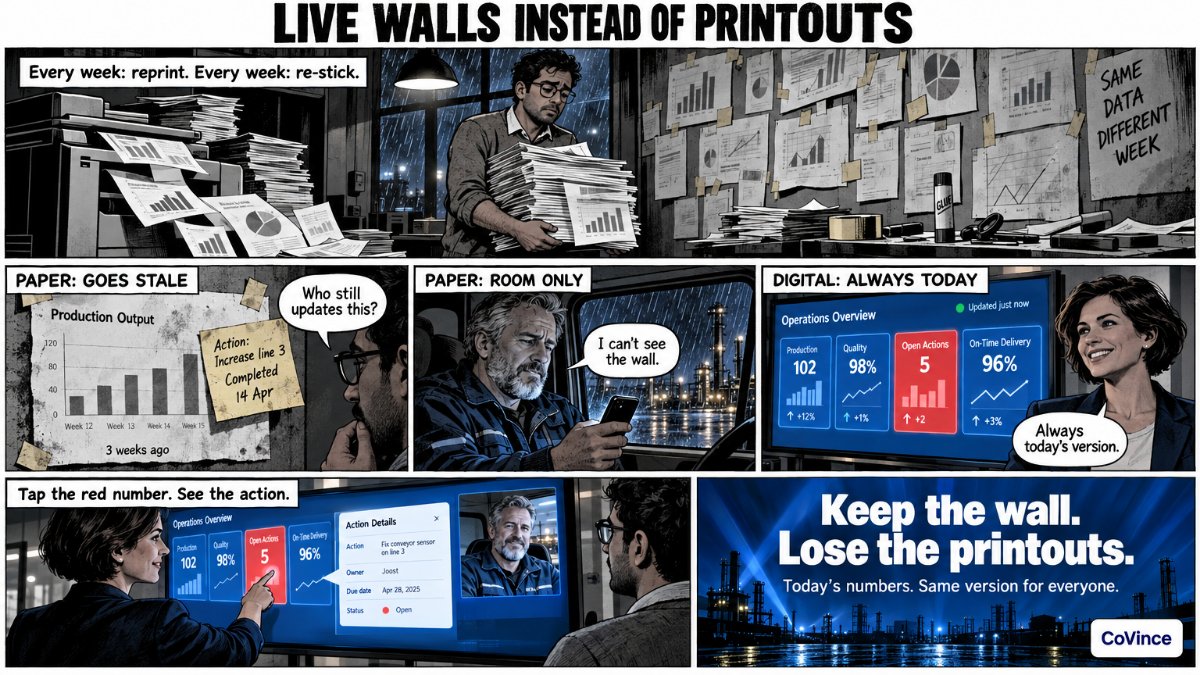 Digital & hybridDigital Obeya: live walls instead of printsNumbers that refresh themselves, and tap a chart to see the action behind it.
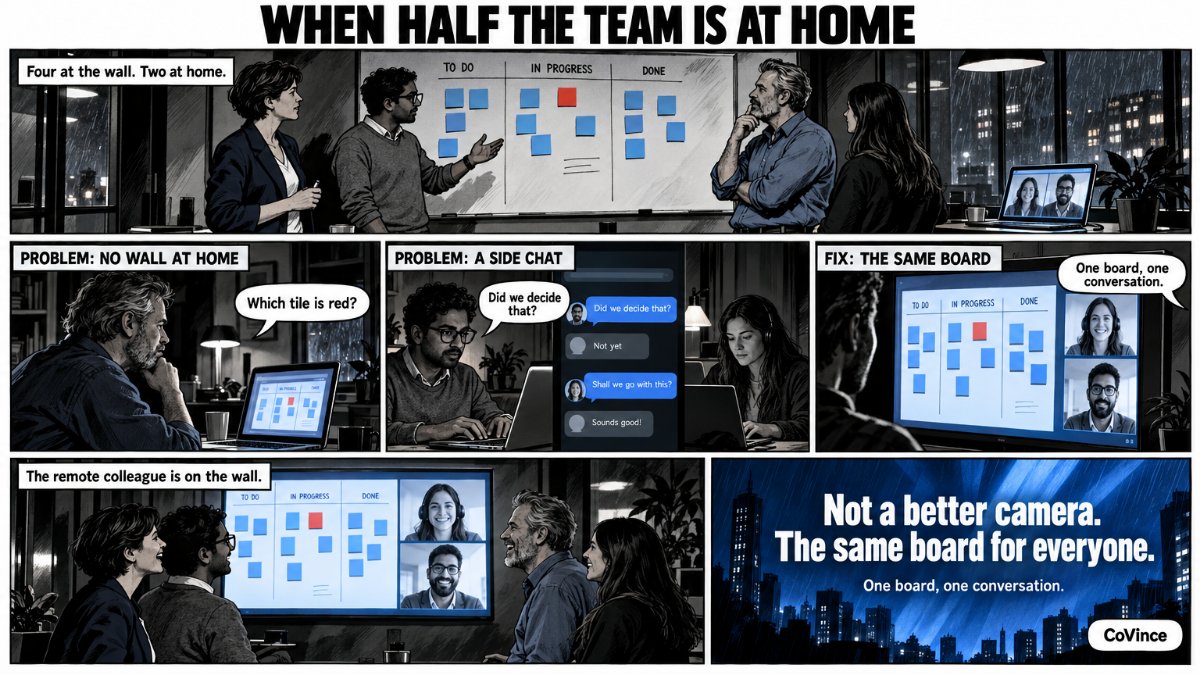 Digital & hybridHybrid Obeya: when half the team is at homeVideo calling on the wall: everyone sees the same live wall.
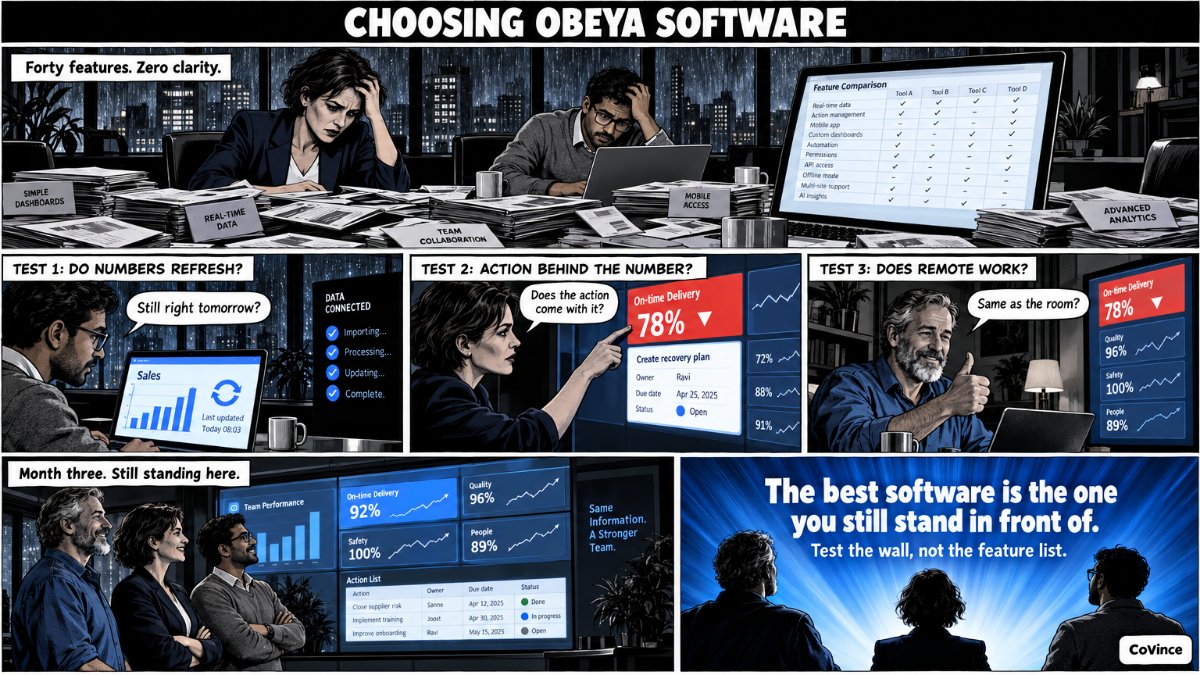 Digital & hybridObeya software: what to look forAn honest checklist for choosing a tool.
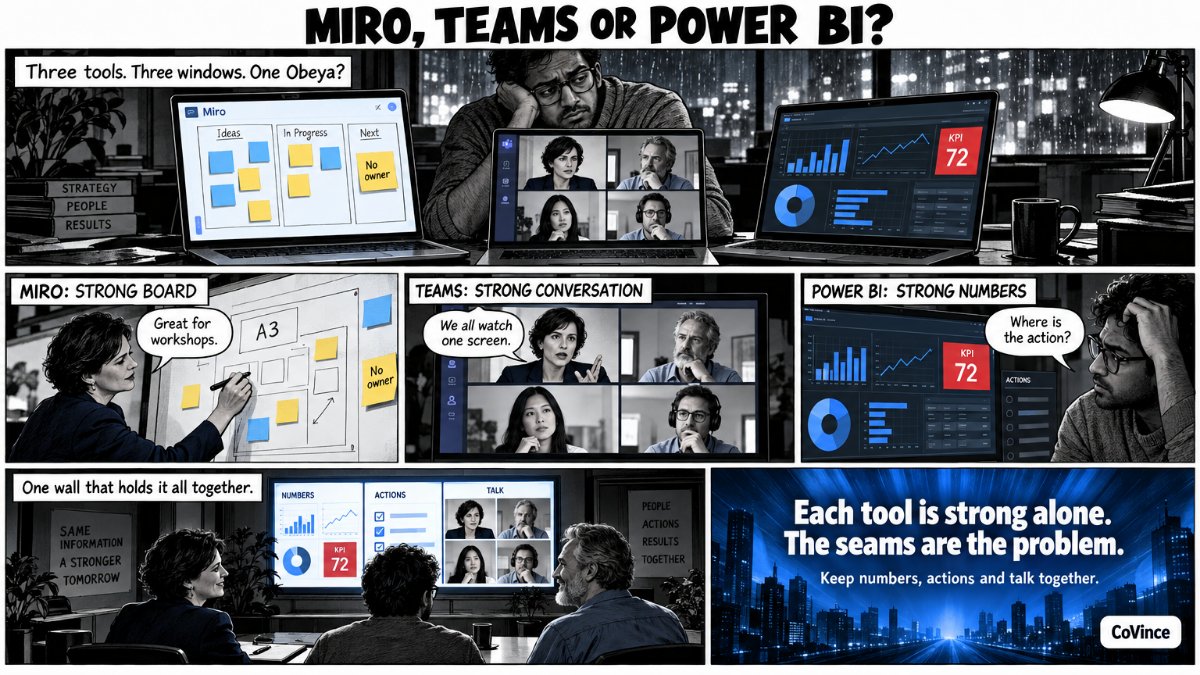 Digital & hybridObeya in Miro, Teams or Power BI?What works and what does not if you already have a tool.
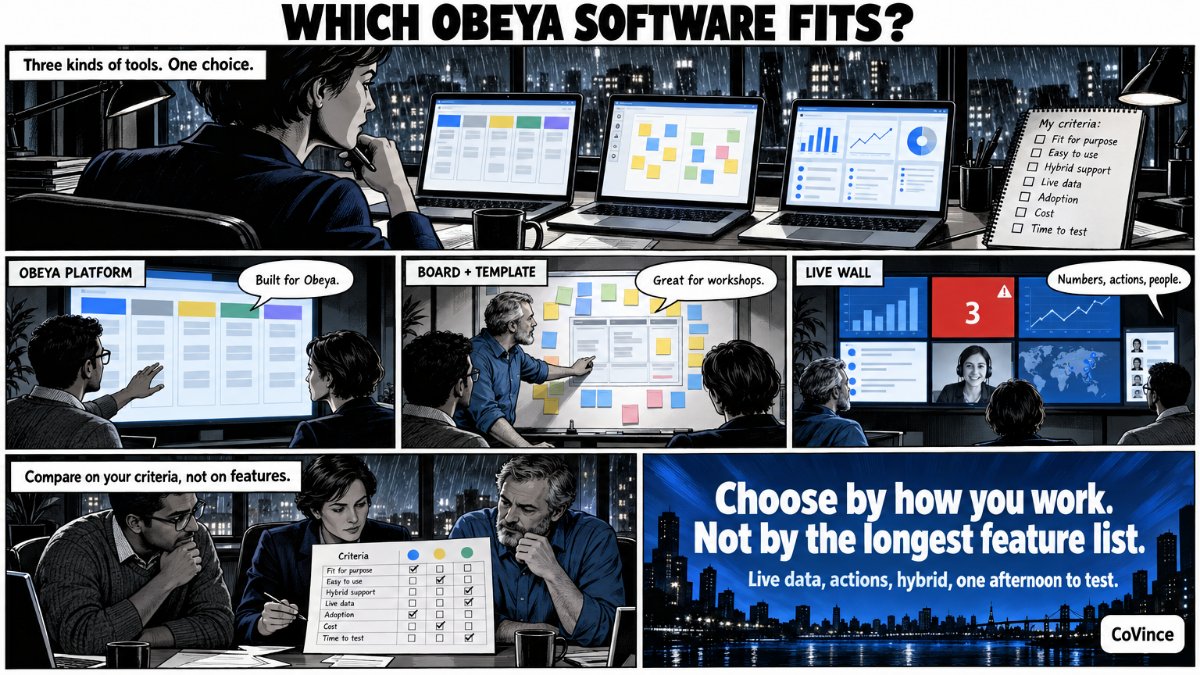 Digital & hybridObeya software compared: the complete feature listEvery function side by side: walls, KPIs, roll-ups, actions, video calls, learning modules and AI.
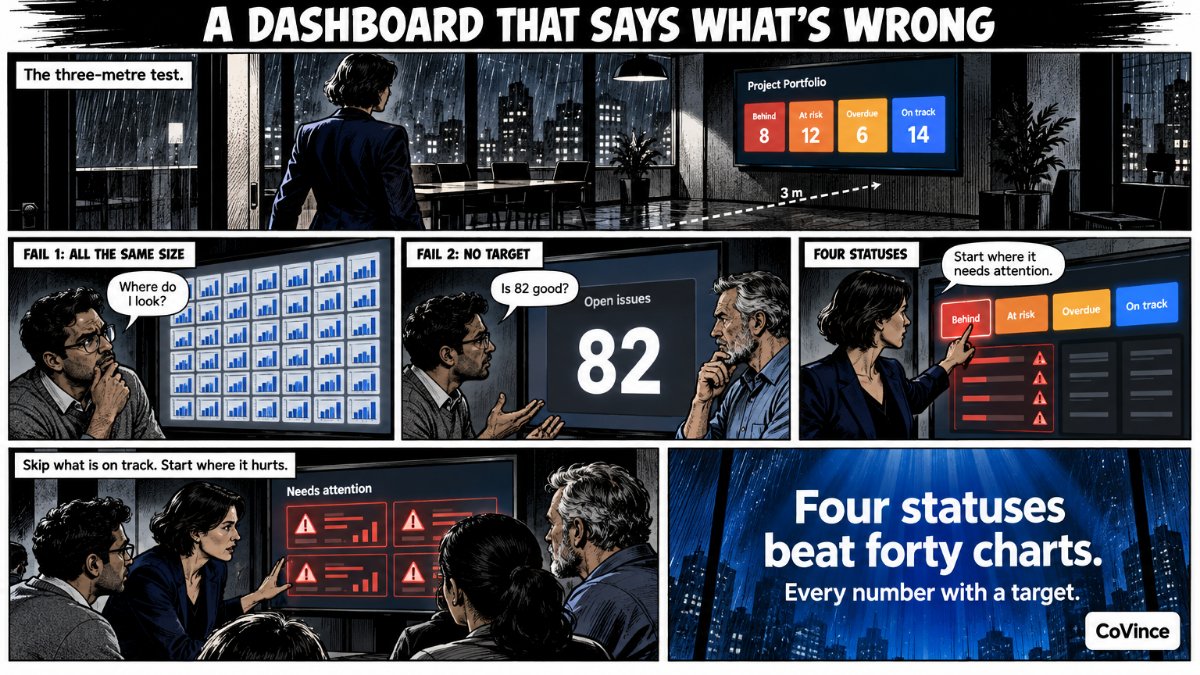 Digital & hybridObeya dashboard: KPIs that tell you what is wrongBehind, at risk, overdue actions and on track at a glance.
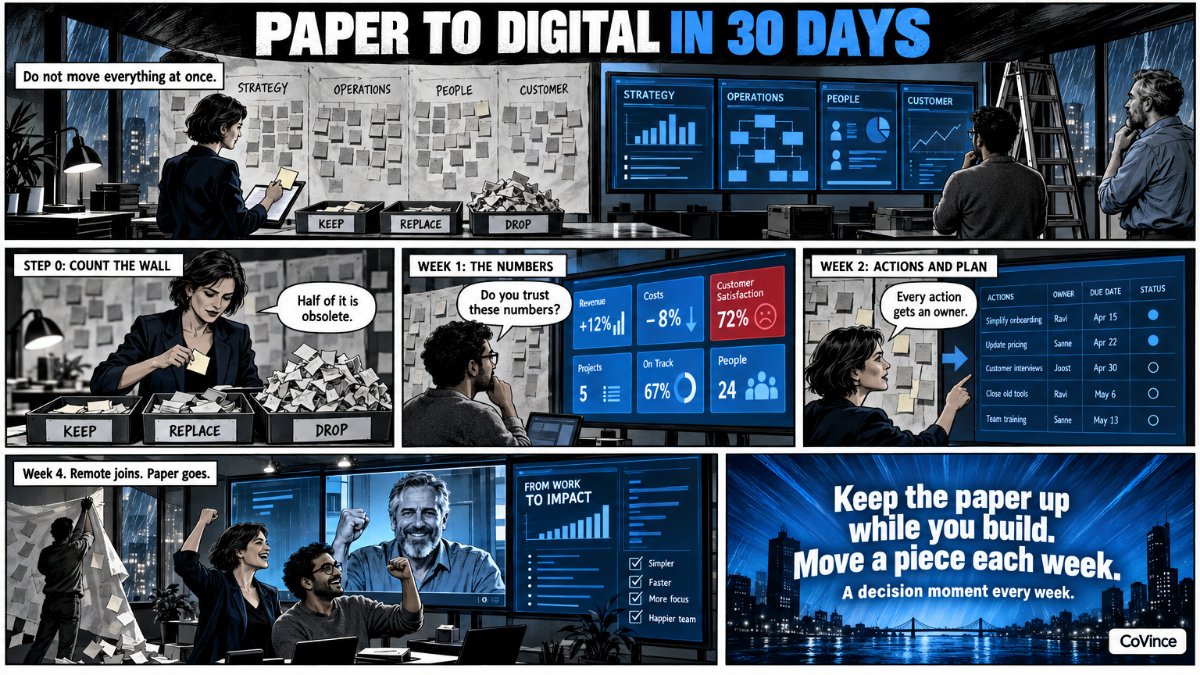 Digital & hybridFrom paper to digital Obeya in 30 daysA step-by-step plan, week by week.
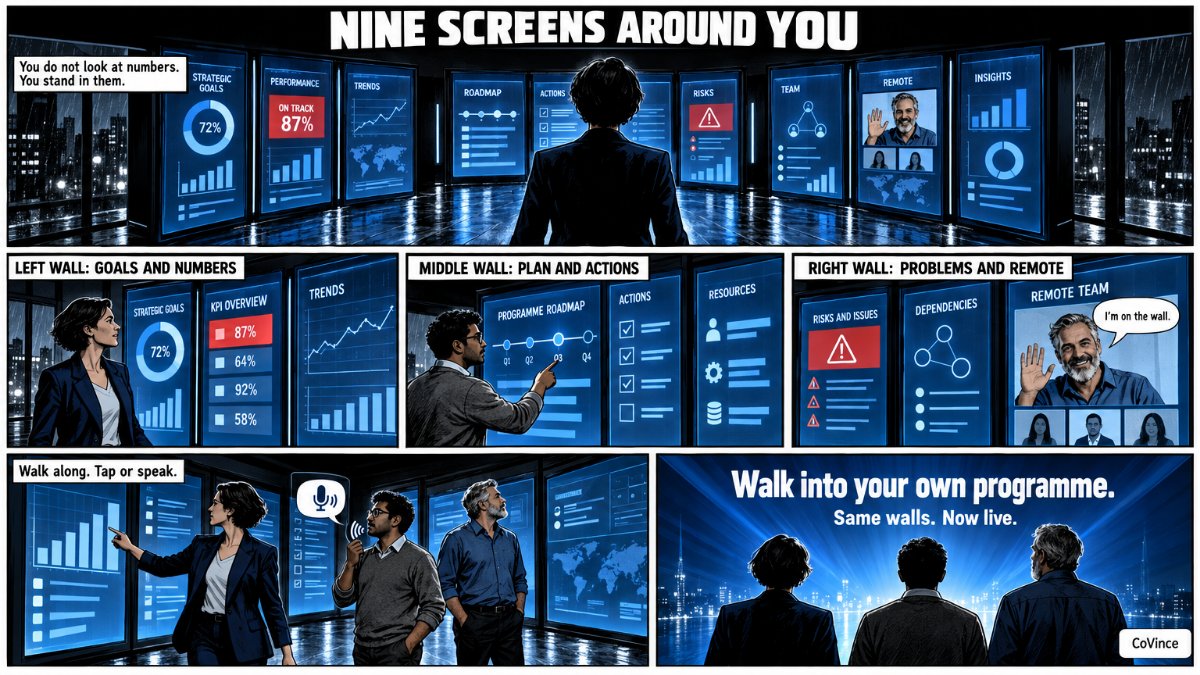 Immersive roomImmersive Obeya room: nine screens, one live wallNine screens in a U around you: the Syner Suite.
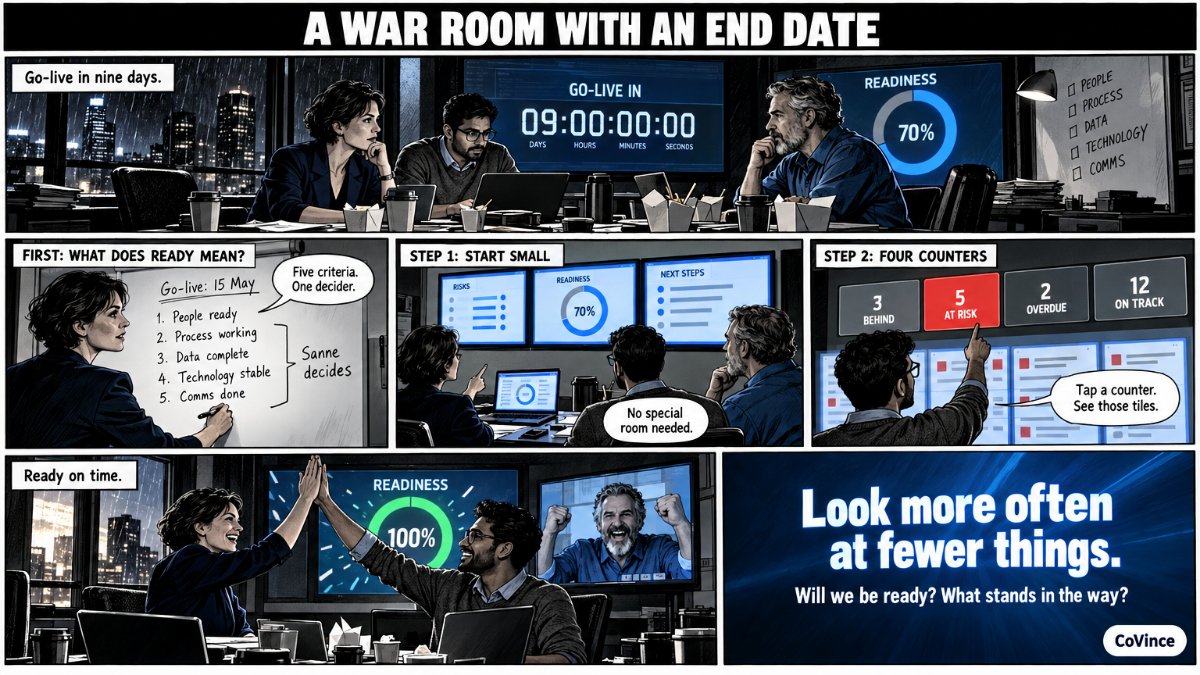 Immersive roomWar room setupScreens, software and rhythm for projects, launches and go-lives.
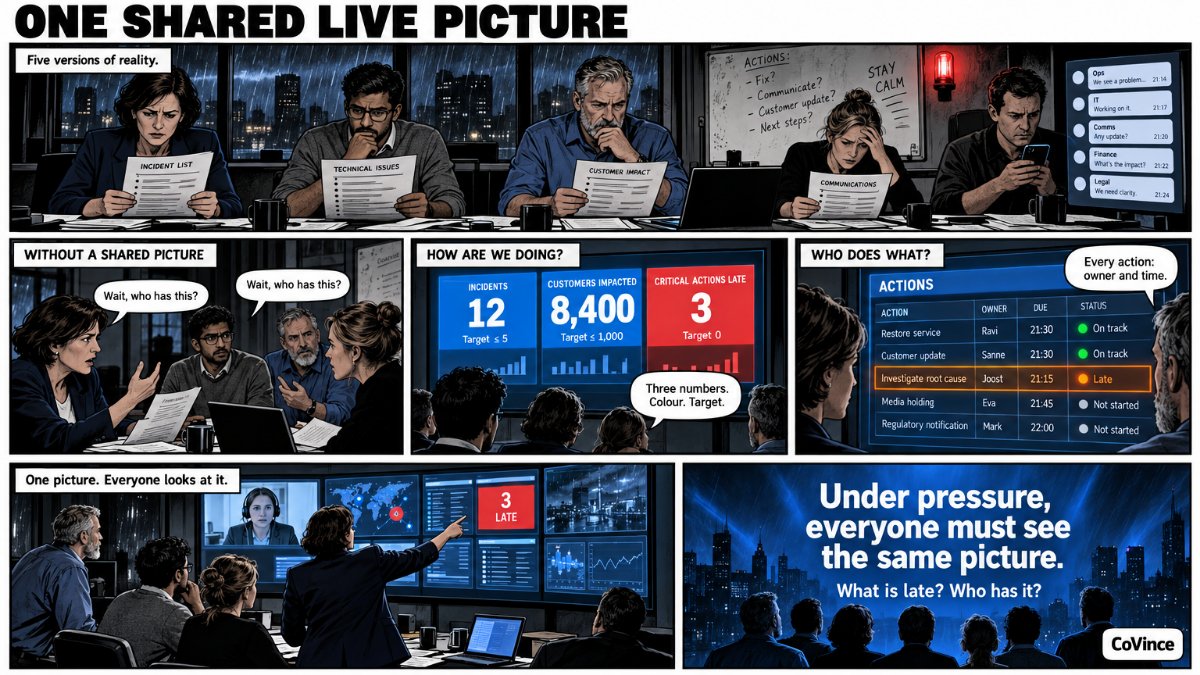 Immersive roomCrisis room or war room setup: one live pictureOne shared live picture, with actions and owners, when things get tense.
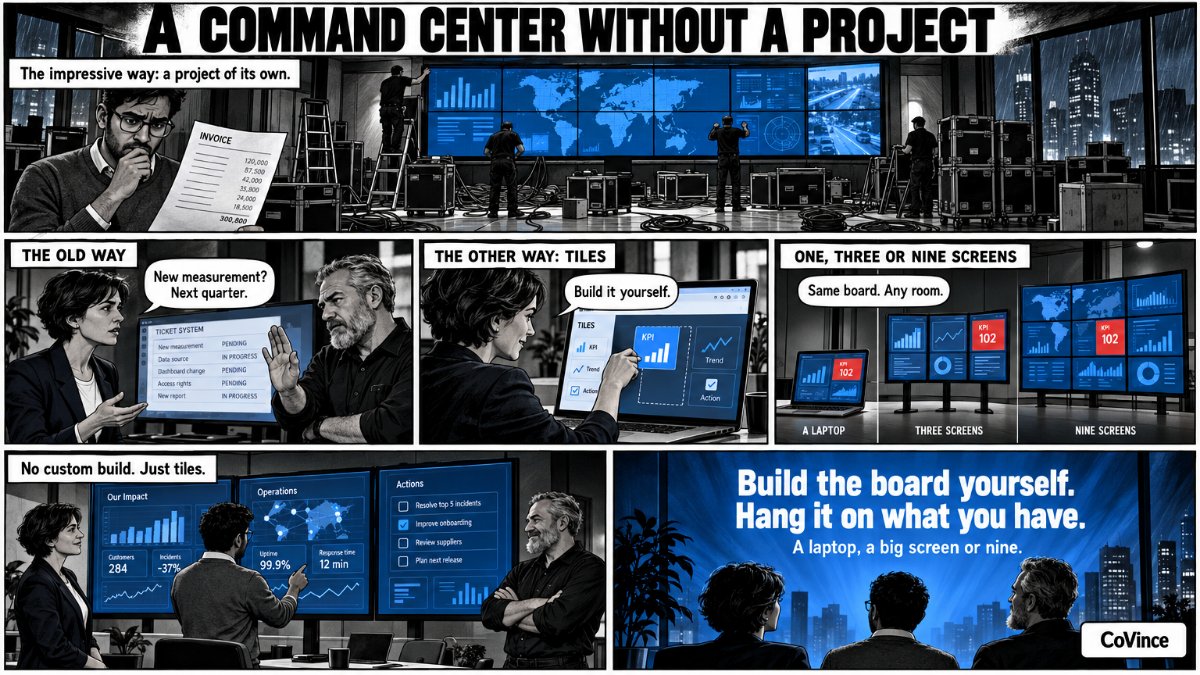 Immersive roomControl room software: a live command center wallControl room software on one, three or nine screens, from the browser.
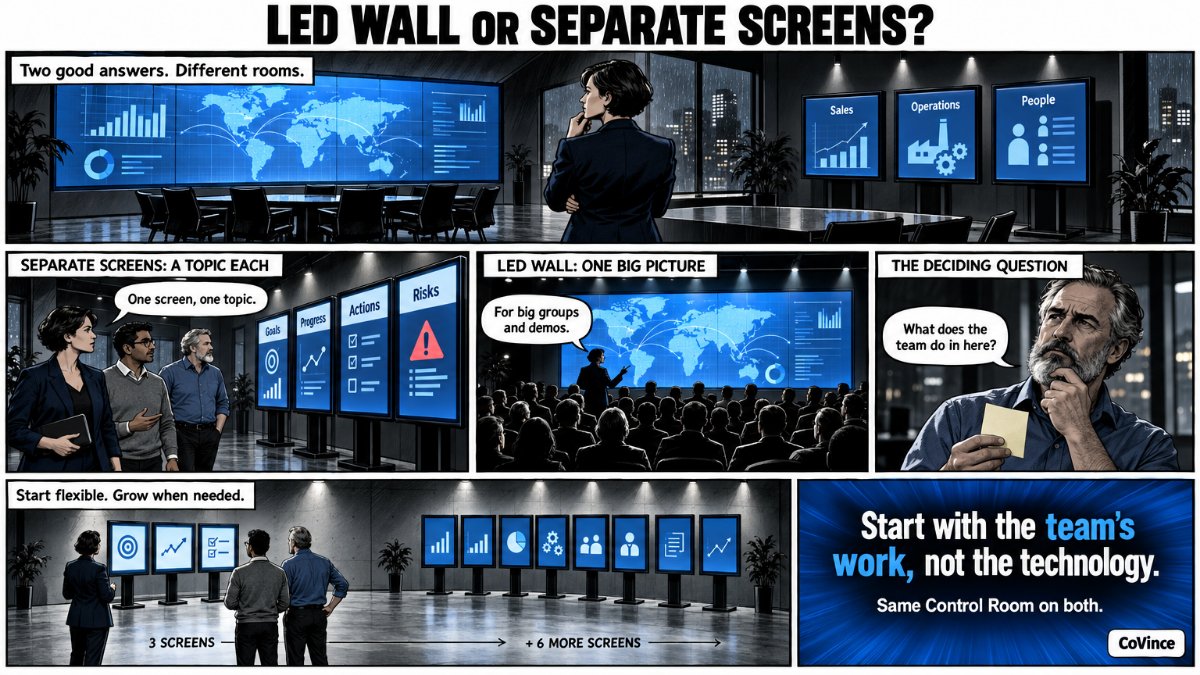 Immersive roomLED wall or separate screens for your Obeya room?What to choose for the meeting room, and why.
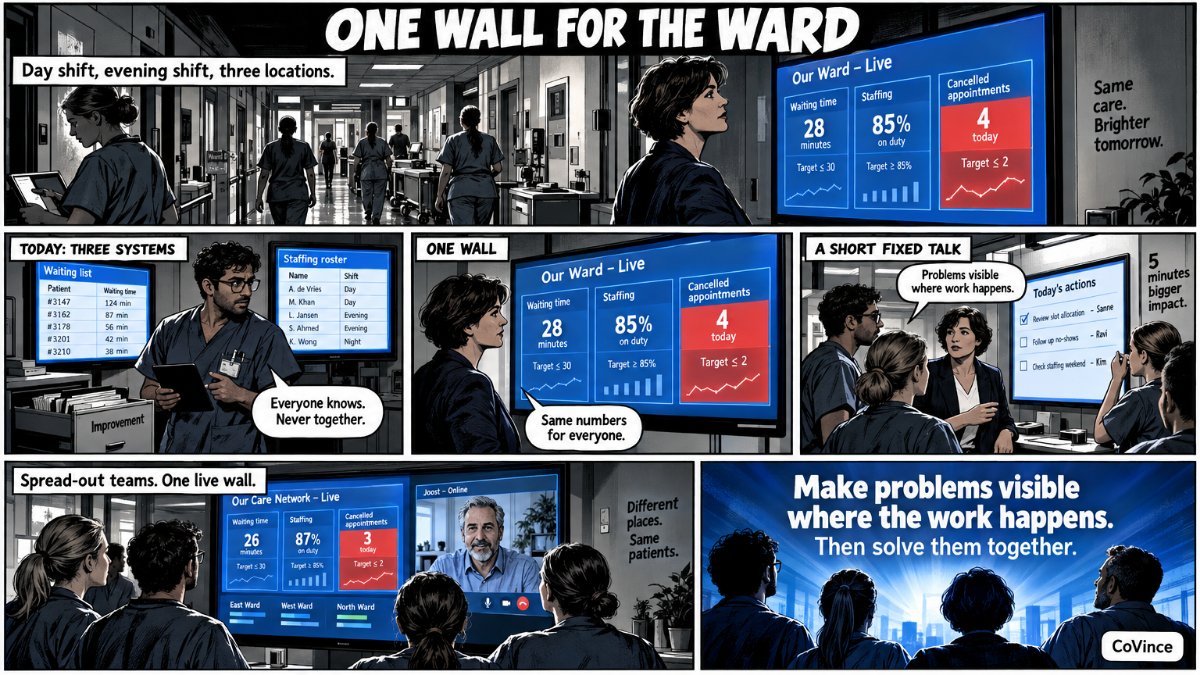 SectorsObeya in healthcareHospital, ward or chain: the night shift sees the same wall too.
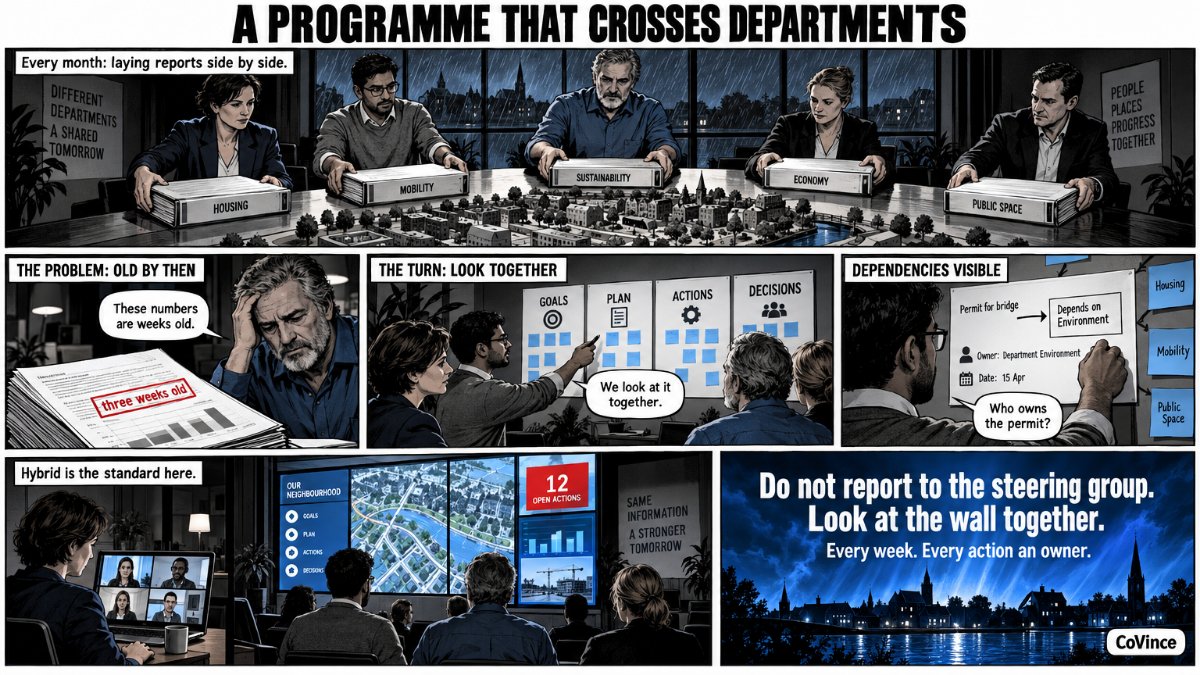 SectorsObeya in local government and the public sectorProgramme steering across departments, hybrid by default.
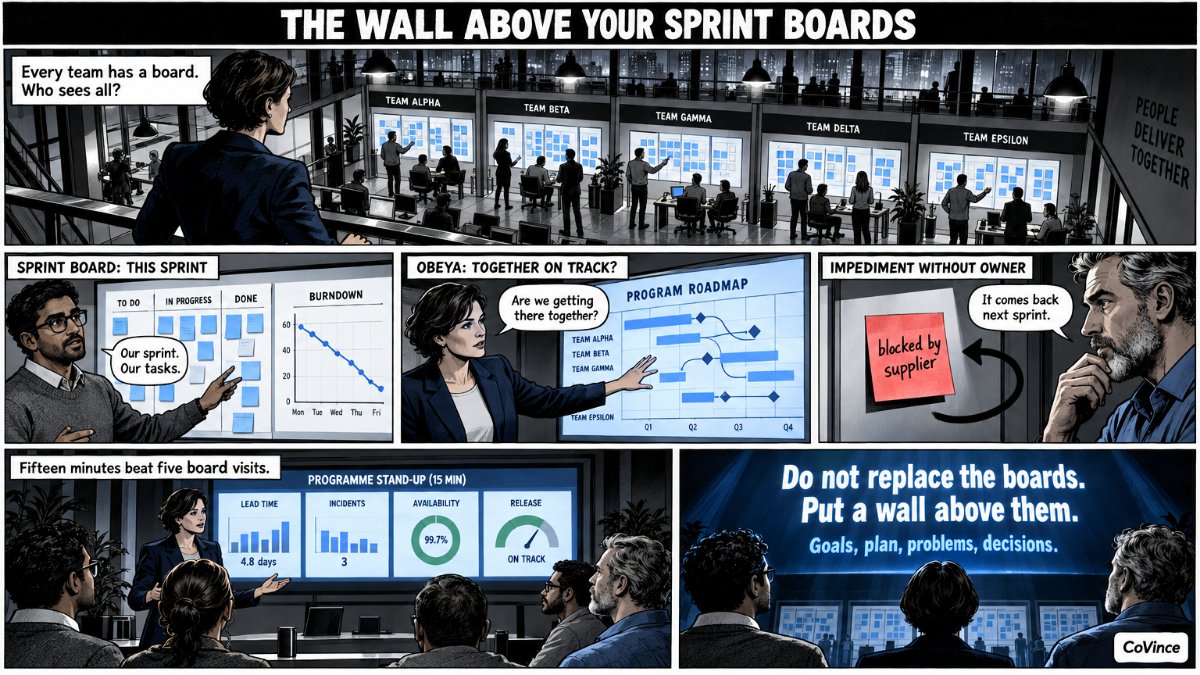 SectorsObeya for IT and agile teamsPortfolio, PI planning and the link with roadmap and sprints.
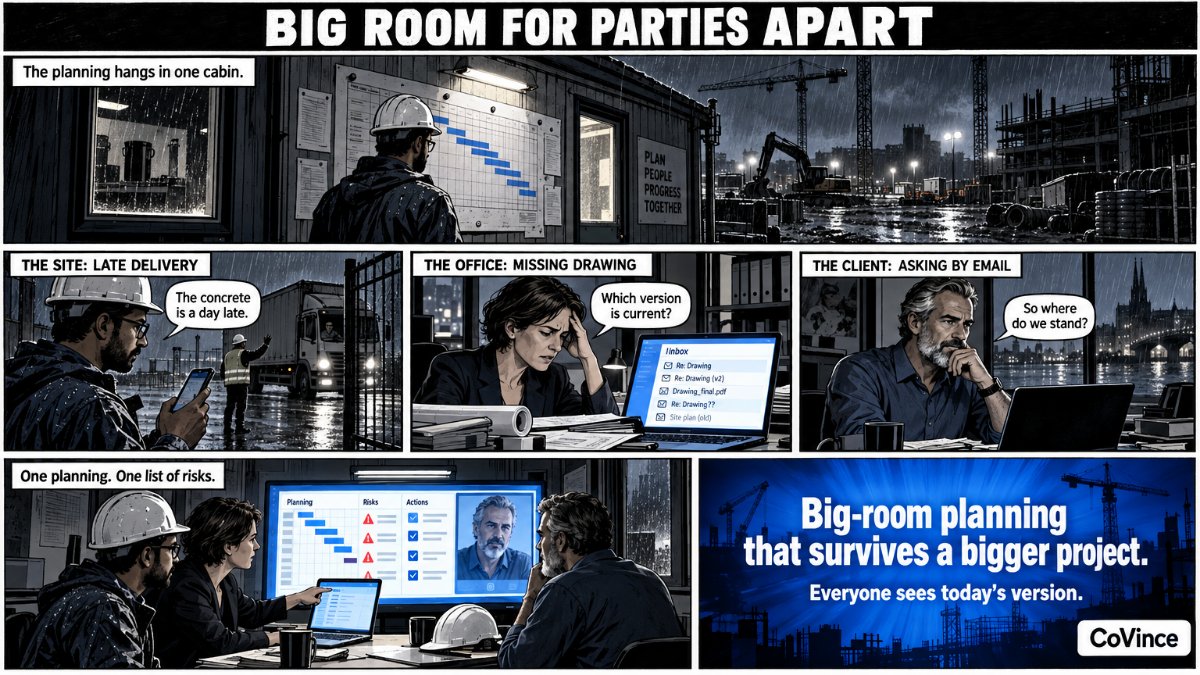 SectorsObeya in construction and infrastructureBig-room planning with parties who never sit in one place.
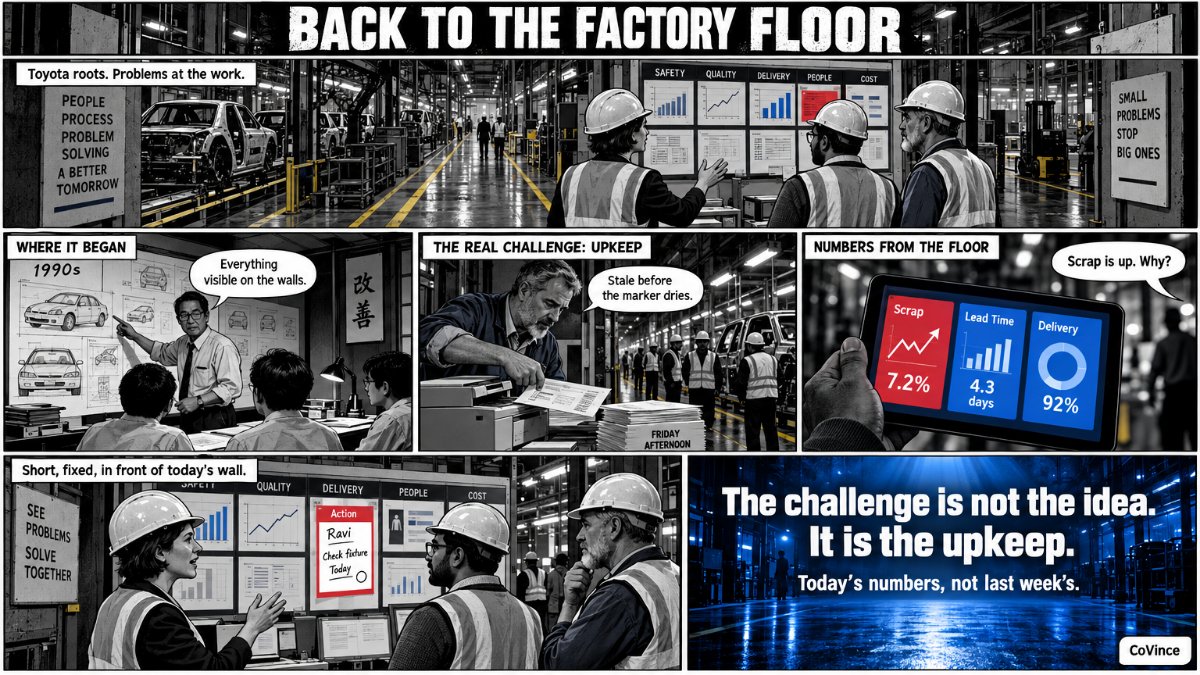 SectorsObeya in manufacturingBack to the Toyota roots, with live numbers from the shop floor.
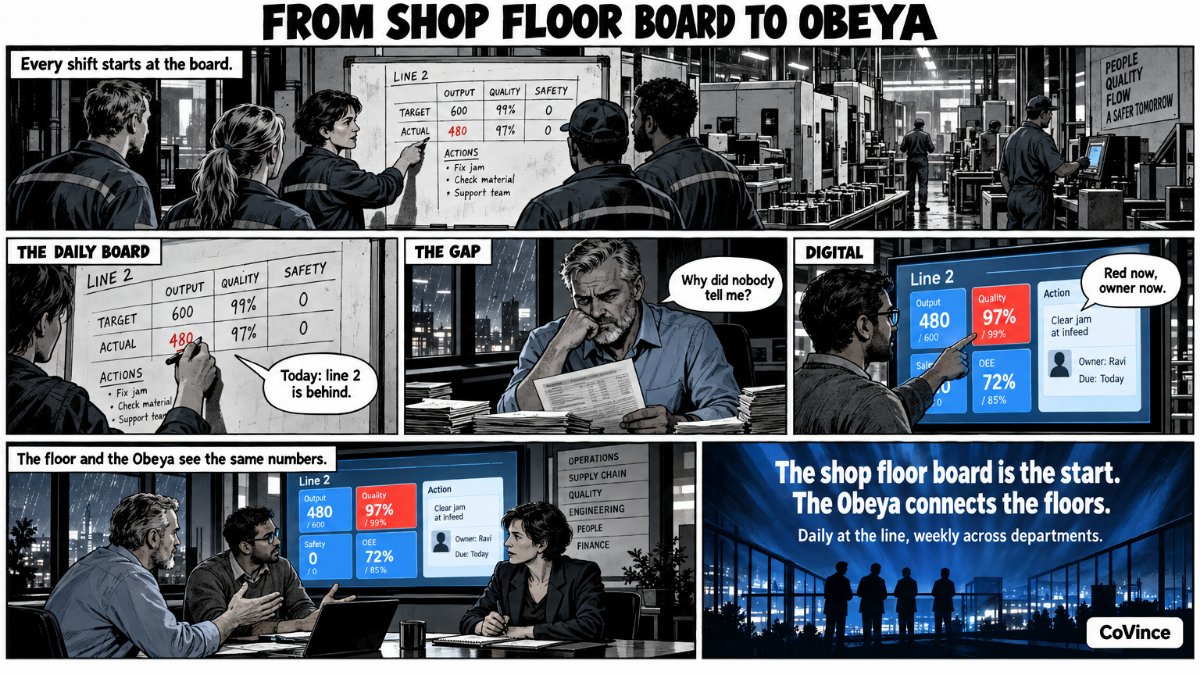 SectorsDigital shopfloor management and the digital ObeyaLive numbers from the shop floor, and how an Obeya looks across them.
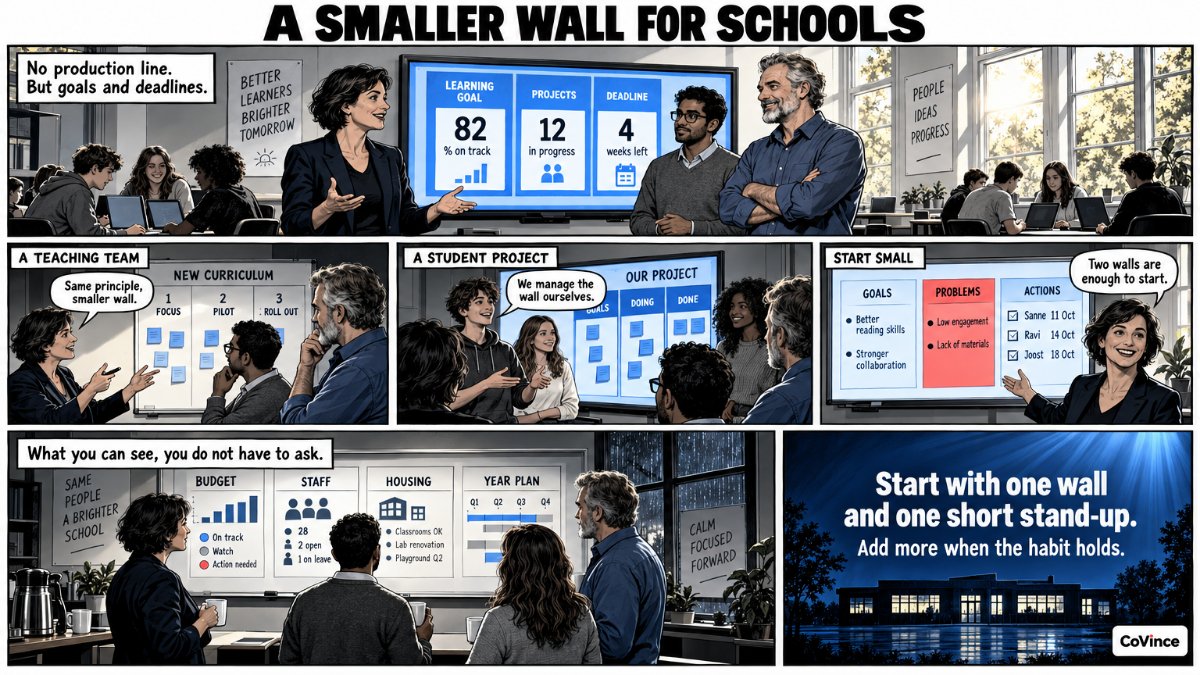 SectorsObeya in educationSmaller in scale, and a fit for learning in a journey.
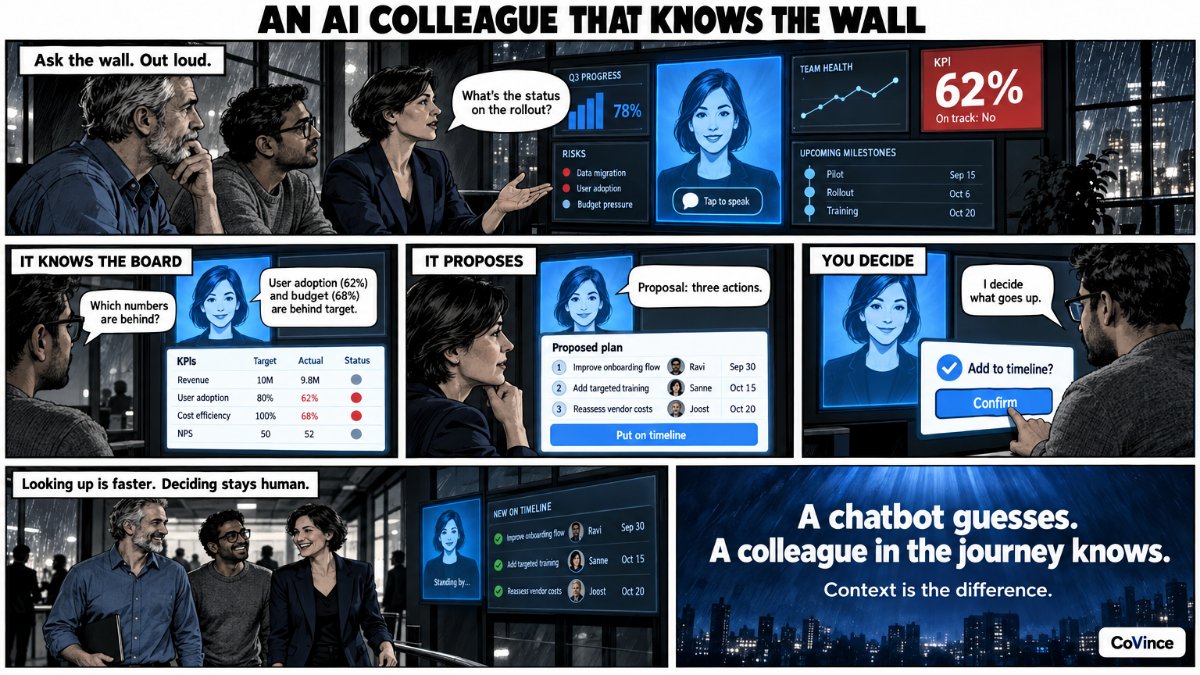 AIAI in the ObeyaA CrewMate that knows your numbers: ask the wall, out loud too.
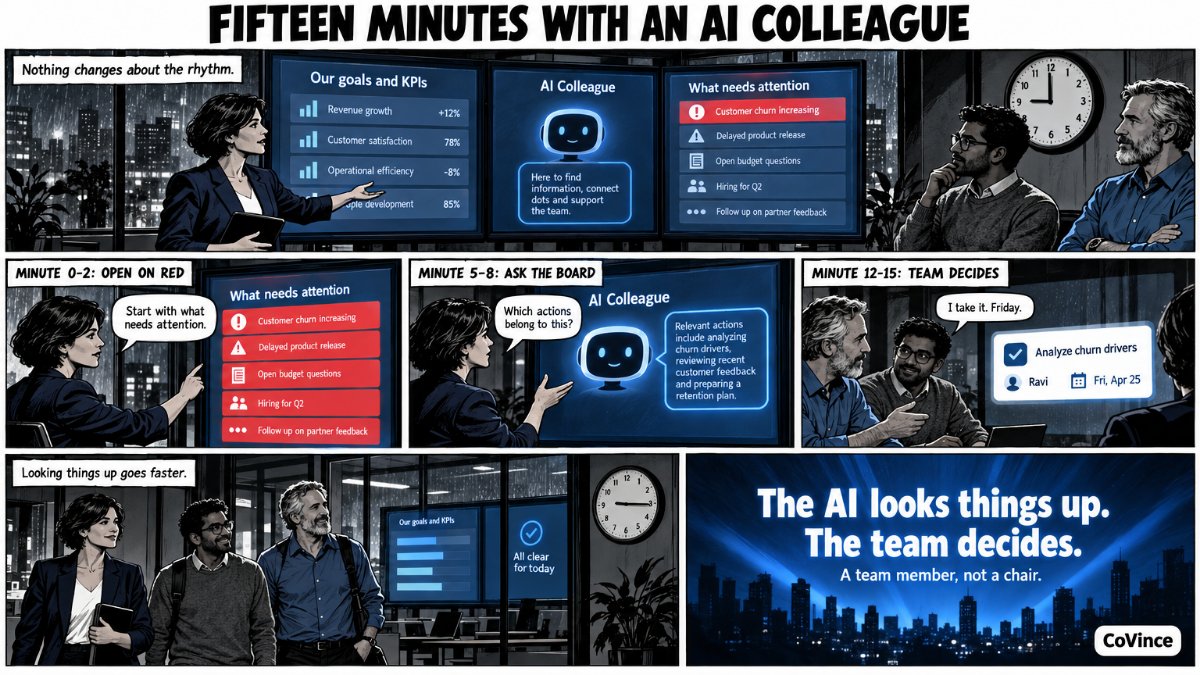 AIAI in your Obeya stand-up: an assistant with the numbersWhat a stand-up looks like with a CrewMate in the room.
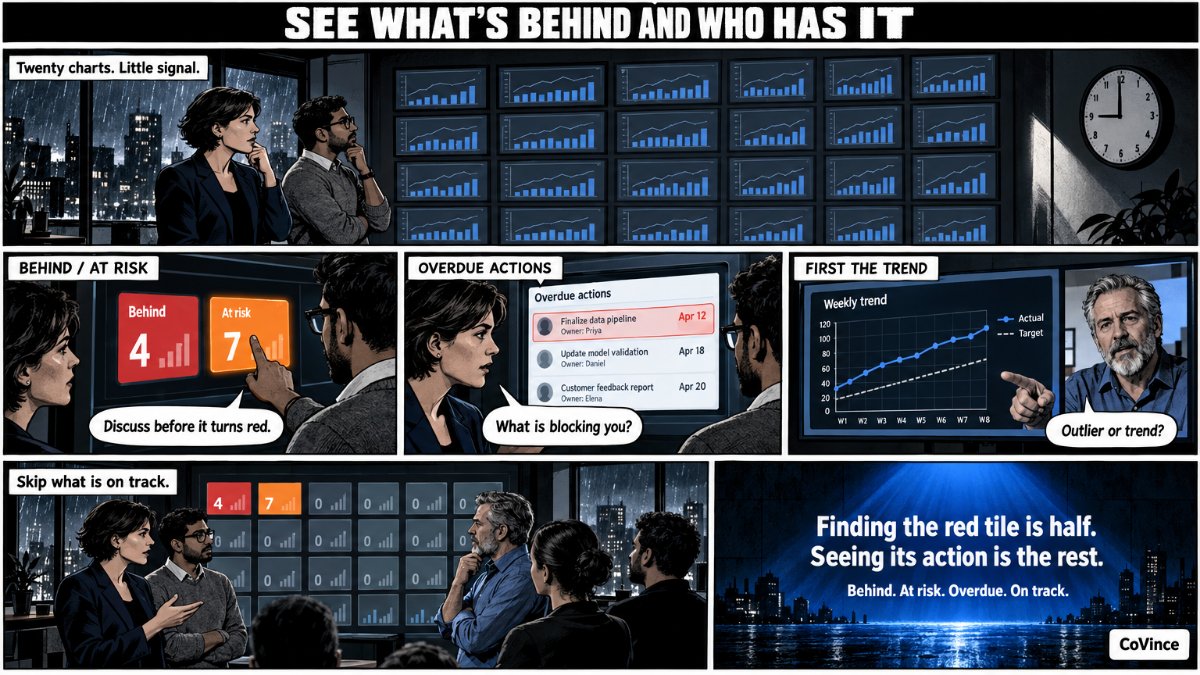 AISpot KPI deviations in your Obeya dashboard earlyWhat is behind, what is at risk, and who owns the action.
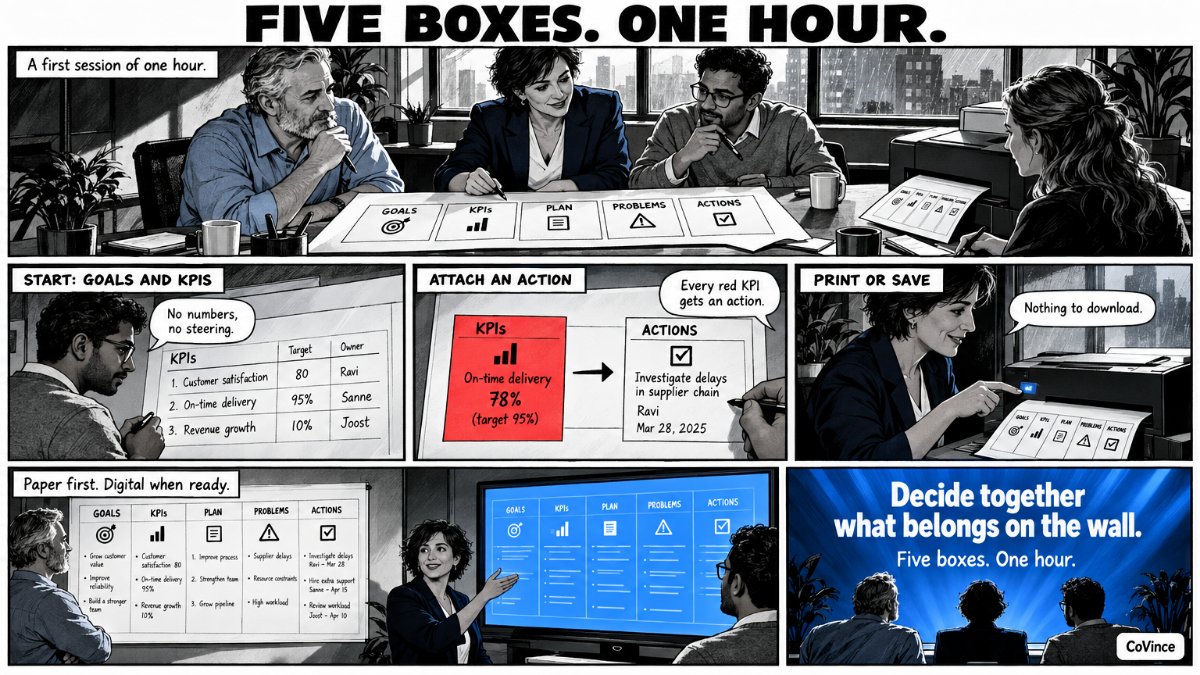 TemplatesFree Obeya templateThe five walls as a starting point, to use or open live.
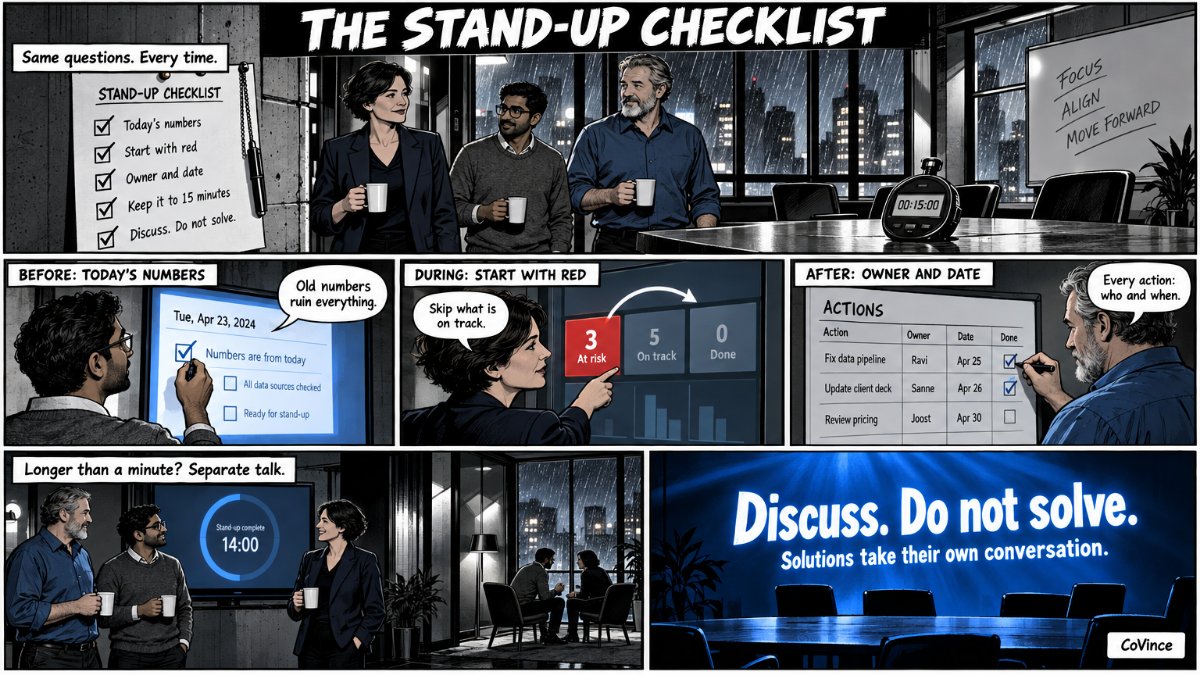 TemplatesStand-up agenda and checklistOne page for the daily huddle.
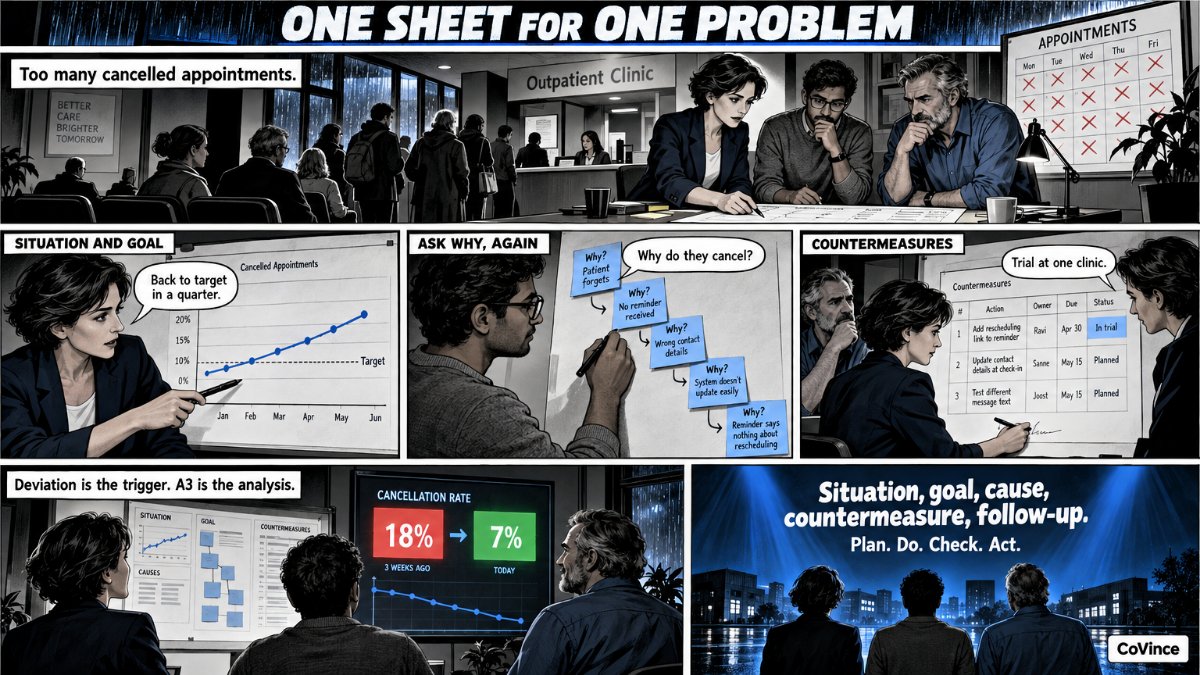 TemplatesA3 template for problem solvingThe A3 method, with a filled-in example.
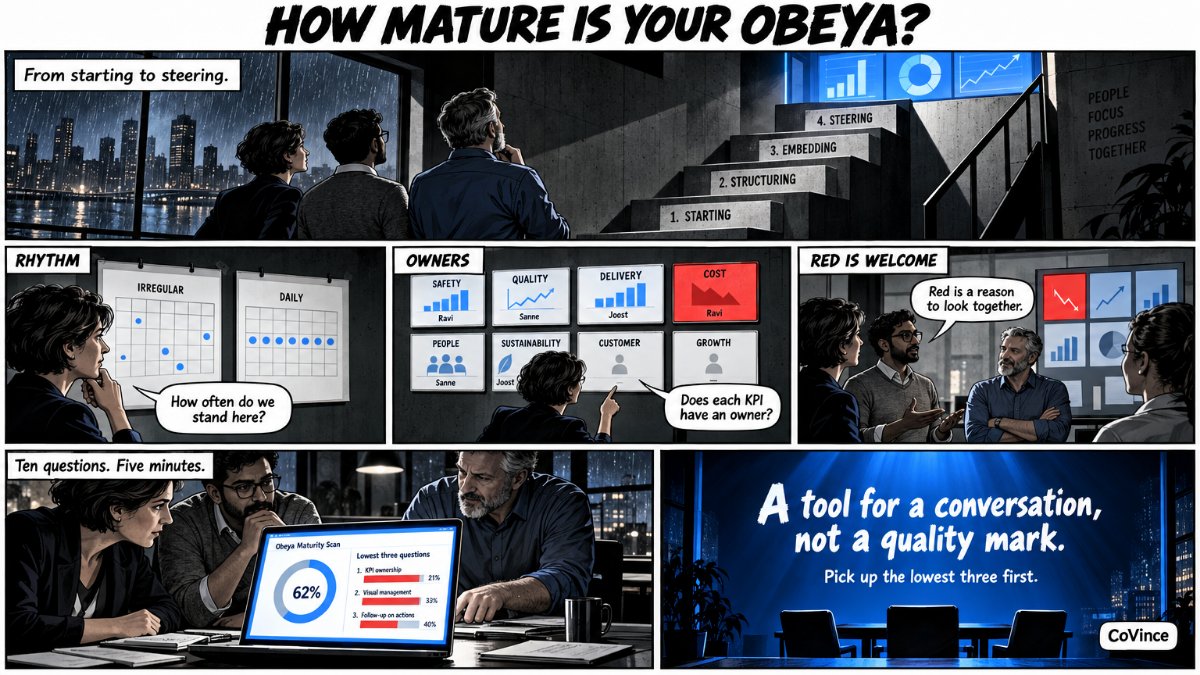 TemplatesObeya maturity scanTen questions: how mature is your Obeya?
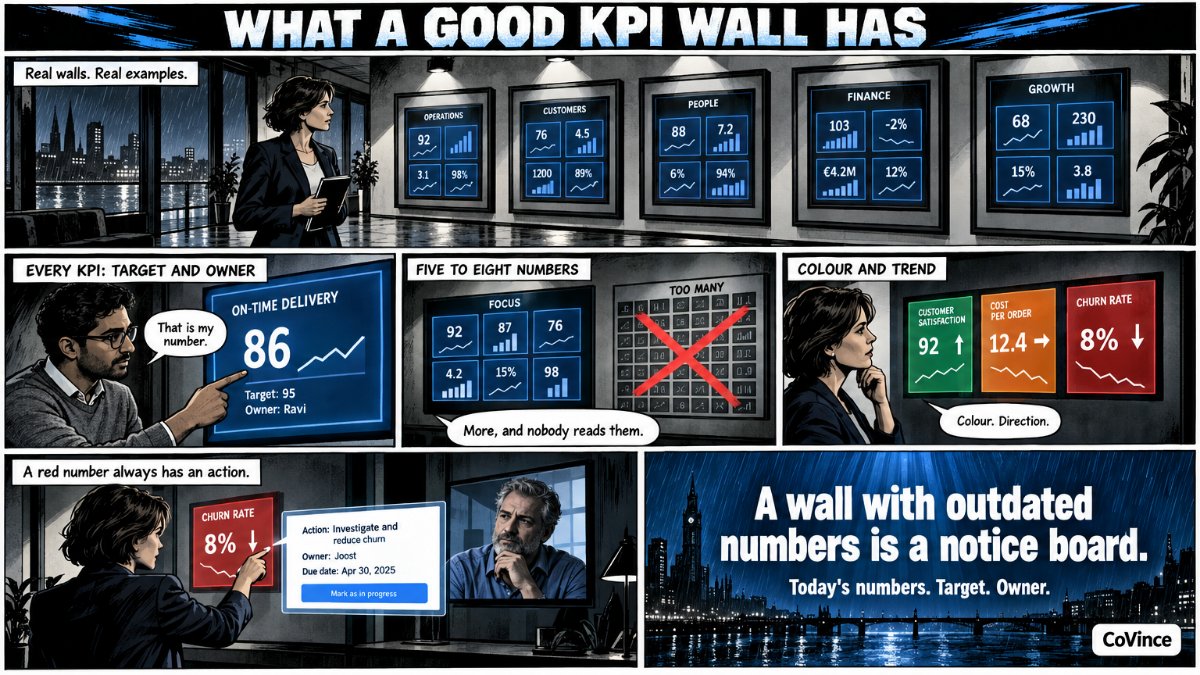 TemplatesKPI wall examplesA gallery of real walls.
No. Start with one wall and one stand-up. The Obeya view shows what needs attention, and the CrewMate helps with the first board.
No. A digital Obeya works on a laptop or on one big screen. The Syner Suite is there for whoever wants the walls physically around them too.
From CoVince itself, from a CSV, from connected sources, or you type them in. Which sources fit you, we show in the demo.
CoVince is ISO 27001 certified. Who sees and may change which board depends on the journey and the organisation.
In the Syner Suite journey you see the room, the boards and how teams work with them. Or let us show you ourselves in half an hour.