
From paper to digital Obeya in 30 days
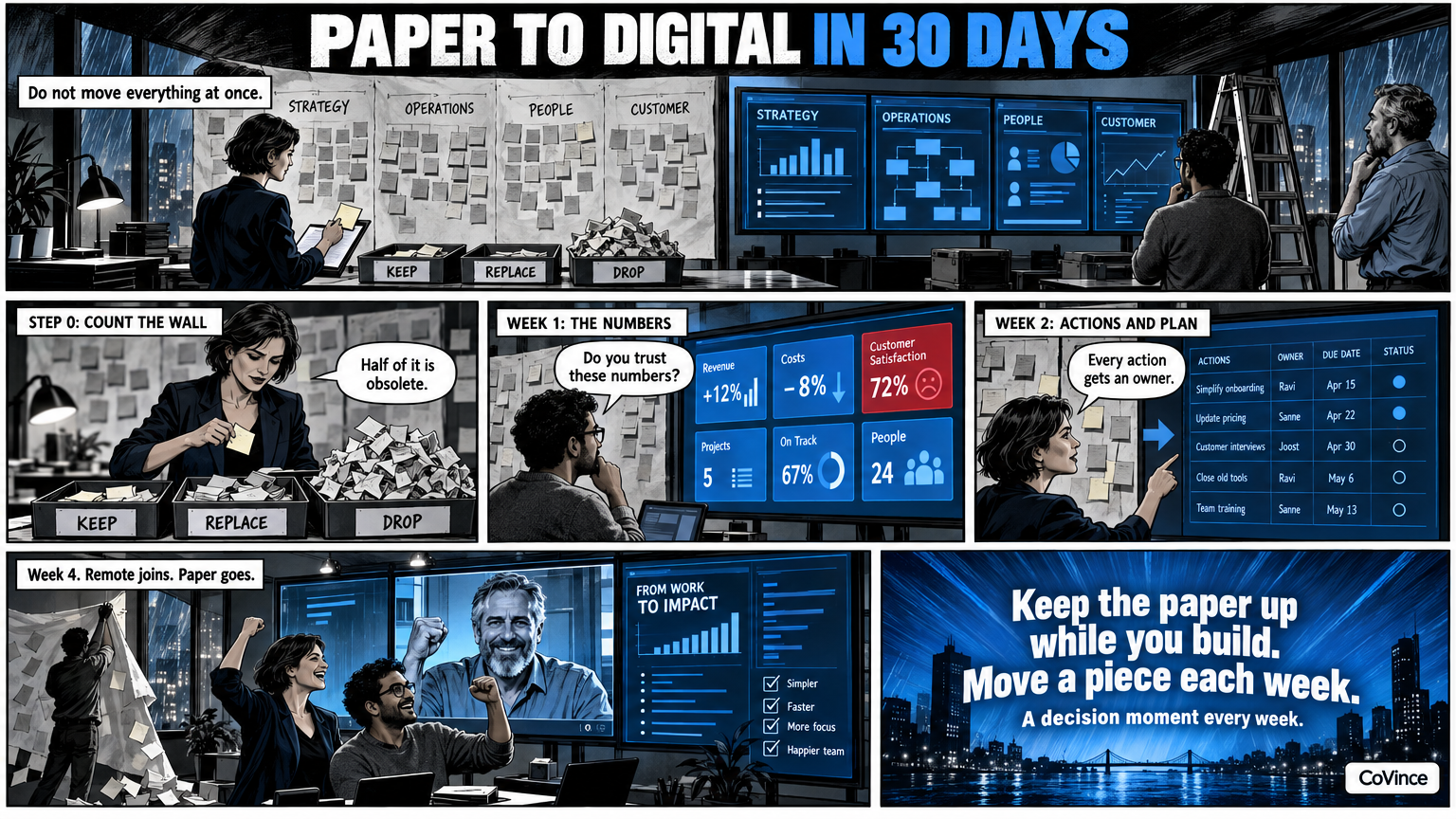
You digitise a paper Obeya in four weeks by not moving everything at once: first the numbers that go stale fastest, then actions and plan, then the remote people, and only after that the big set-up. This is a step-by-step plan, week by week, with a decision moment each week.
A digital Obeya does not have to be a quarter-long project. It works best if you leave the paper wall up while you build the digital one next to it, and move a piece over each week. Below are four weeks. The duration is a guideline: a small team does it faster, a programme with several teams needs more time.
Before you start: count the wall
Walk along the paper wall and note what hangs there. Put three columns next to it: keep, replace and drop. A chart that has not been updated for three weeks belongs under drop or replace. A sticky note with an action belongs under keep, but then with an owner and a date. Often more than half the wall is actually obsolete, and that is the good news: it makes the digital version smaller.
Week 1: the numbers
Start with Goals and KPIs. Pick the five to eight numbers the team really steers on, give them a target and find the source: CoVince itself, a CSV, a connected source or manual. With ‘Make with AI’ you describe what you want to follow and get a proposal with pages and measurements, which only goes on the board when you press Build.
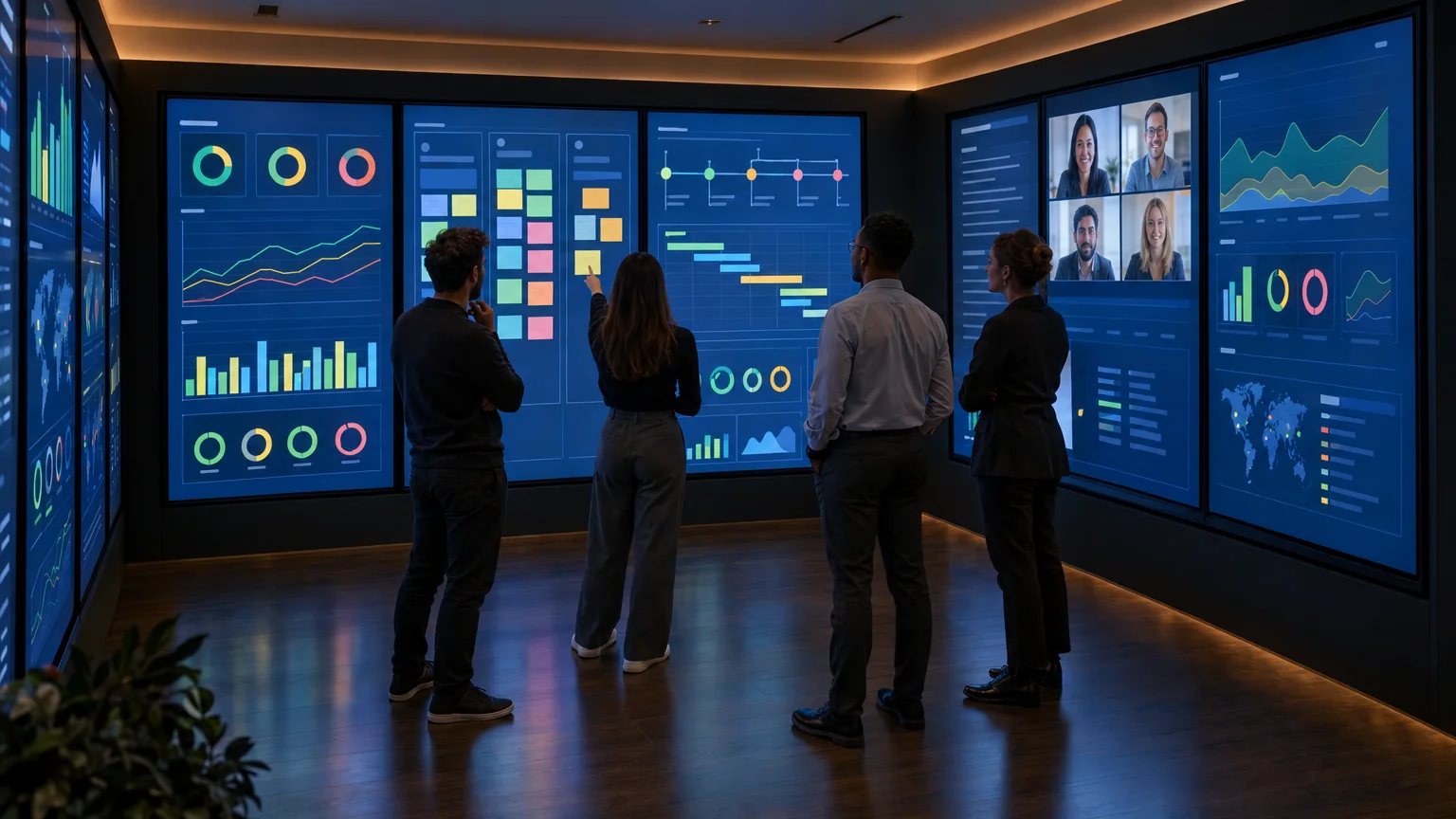
Decision moment: are the numbers on the screen the same as those on the paper wall, and does the team trust them?
Week 2: actions and plan
Move the sticky notes with actions to the board. Give every action an owner and a date, so it is visible on the board and on the timeline. Add the phases and milestones of the plan. A problem analysis or A3 that hung on paper you make on the canvas, together and at the same time, with sticky notes, shapes and arrows.
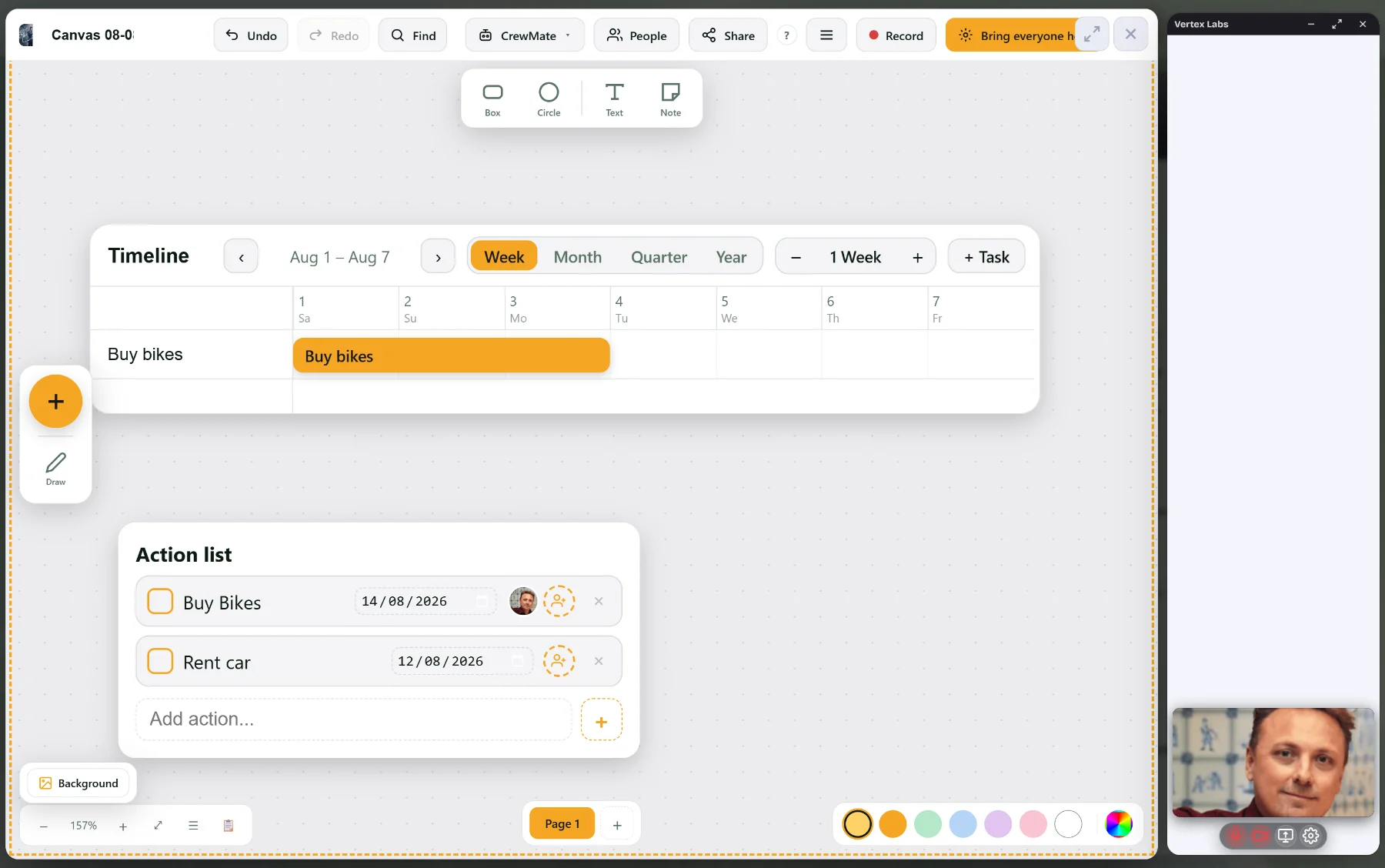
Decision moment: can the stand-up now take place entirely on the screen, without anyone still walking to the paper wall?
Week 3: the remote people
Now that the wall is digital, whoever is not in the room can take part. Start the stand-up with a video conversation, show the board in the call, and let a remote colleague take the floor. Guests join without an account. If you wish, record a session, with transcript and summary for those who could not be there.
Decision moment: do the people at home see the same as the room, and do they really take part?
Week 4: the rhythm and the set-up
Only in the last week do you look at the room. Does it work on a laptop or one big screen? For a larger team you can spread the Control Room over three or nine screens, each screen with its own name. Also fix the rhythm: daily fifteen minutes, weekly walk the walls, per period recalibrate the goals. Then take the paper wall down or leave it up as an archive.
Decision moment: does the team want to continue, and who owns the wall?
Where it goes wrong
- Moving everything at once, so the digital version becomes just as full and unreadable as the paper one.
- Waiting until the set-up is perfect before the stand-up goes onto the screen.
- No owner for the wall, so that after three months nobody updates it any more.
Want to understand the digital side better first? Read Digital Obeya. For the side of the remote people: Hybrid Obeya. The full background is in the complete guide.
And after that
After thirty days you do not have a finished project but a working start. Plan a short look back after three months: which tiles does the team still look at, which actions run until they are done, and what is on the wall that nobody reads any more? Remove what is not used. A digital Obeya only stays readable if it is small enough.
Frequently asked questions
Can you really make a paper Obeya digital in 30 days?
For one team and one wall, yes, if you do not move everything at once. For a programme with several teams and many sources you need more time. See 30 days as a guideline.
Does the paper wall have to go right away?
No. Leave it next to the digital one until the stand-up can be held entirely on the screen. After that it can go or hang as an archive.
Where do I start: with the numbers or with the actions?
With the numbers. They go stale fastest on paper, and a wall with current numbers immediately gives the team a reason to keep looking at it.
What hardware do I need?
A laptop or one big screen. Three or nine screens are a later choice for teams that want the walls around them physically too.
How do I bring the team along?
Hold the stand-up on the screen from week two, put someone remote in the speaking role in week three, and let the team decide itself what stays and what lapses from the paper wall.